
ASUS ProArt PA248QV 24 Inch WUXGA 16:10 Professional Monitor
4.6Editor score
100% sRGB coverage
Factory calibrated accuracy
Ergonomic adjustable stand
ASUS Proart monitors are designed for creative professionals who demand precise color accuracy and reliable performance. These displays offer factory calibration, wide gamut coverage, and robust connectivity to support demanding tasks like photo editing and video production.
We compared ten models based on resolution, color fidelity, connectivity options, and ergonomic features. Each product was evaluated for its suitability across different creative workflows, ensuring our recommendations meet the needs of designers, editors, and artists alike.
Each pick highlights key strengths and ideal use cases to help you find the perfect monitor. Prices and availability change frequently, so check current listings before purchasing to ensure you get the best deal for your specific requirements.
4.6Editor score
4.2Editor score
4.5Editor score
As an Amazon Associate we earn from qualifying purchases.
Here is a side-by-side comparison of all ten ASUS Proart monitors reviewed in this guide. This table highlights key specifications to help you quickly identify which model best fits your resolution, color accuracy, and connectivity requirements.




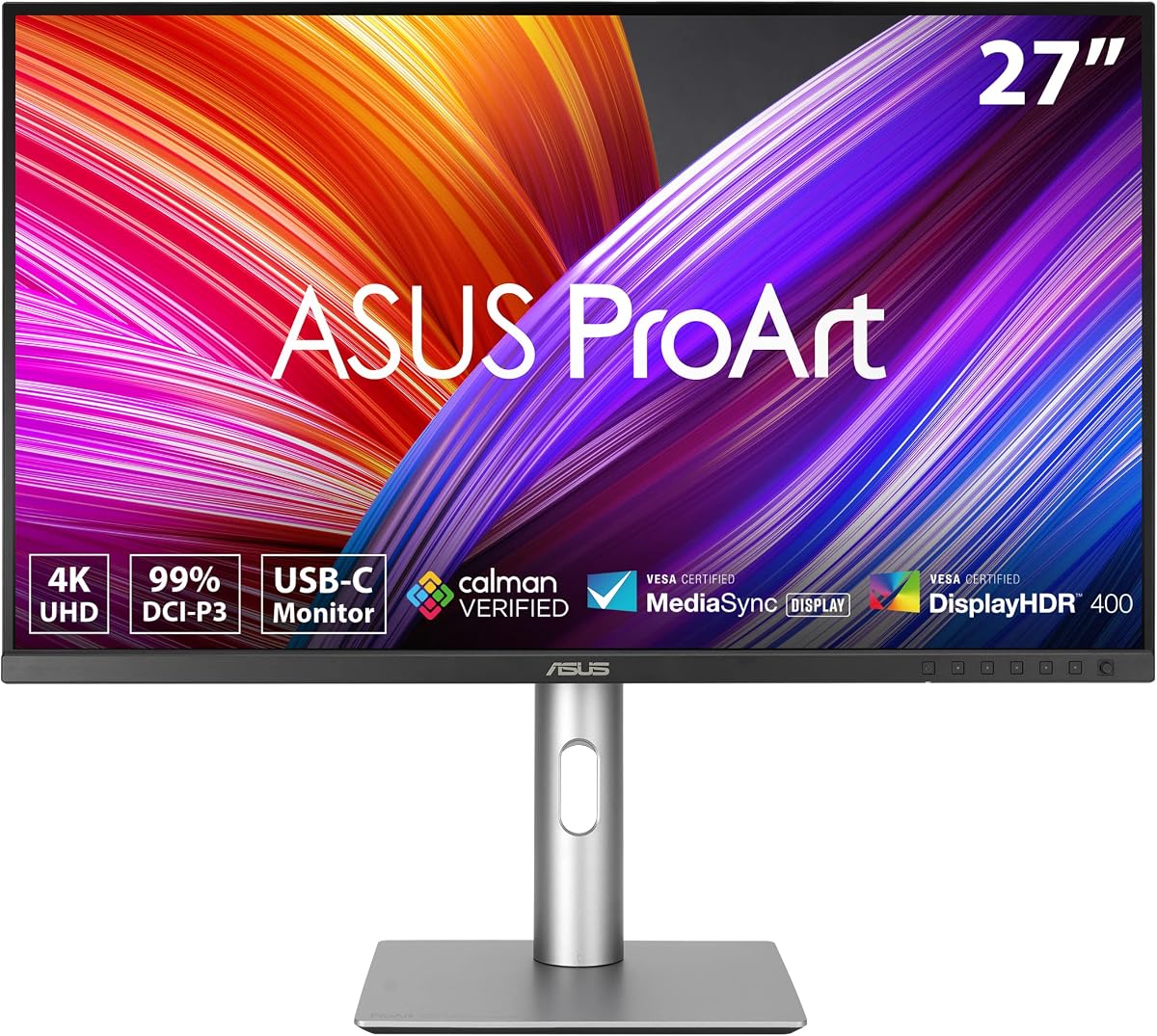
The ASUS ProArt PA279CRV is a top-rated 27-inch monitor designed for Mac users and creative professionals. With a 4K resolution and factory calibration, it delivers sharp visuals and precise colors right out of the box.
We may earn a commission when you buy through this link, at no additional cost to you.
Its 99% DCI-P3 and Adobe RGB coverage ensures vibrant and accurate color reproduction for photo editing. The USB-C port with 96W Power Delivery simplifies desk setups by charging your laptop and transferring data through one cable.
While it lacks peak brightness for HDR, its consistent color performance makes it reliable for print and digital workflows. The ergonomic stand supports tilt, pivot, and height adjustments for comfortable long sessions.
This monitor is ideal for designers needing accurate colors without breaking the bank. If you value color fidelity and connectivity, the PA279CRV stands out as a versatile choice for professional use.
Calman Verified with Delta E < 2 ensures colors match your source files accurately.
DisplayPort daisy-chaining allows multiple monitors on a single cable for expanded workspaces.
We may earn a commission when you buy through this link, at no additional cost to you.
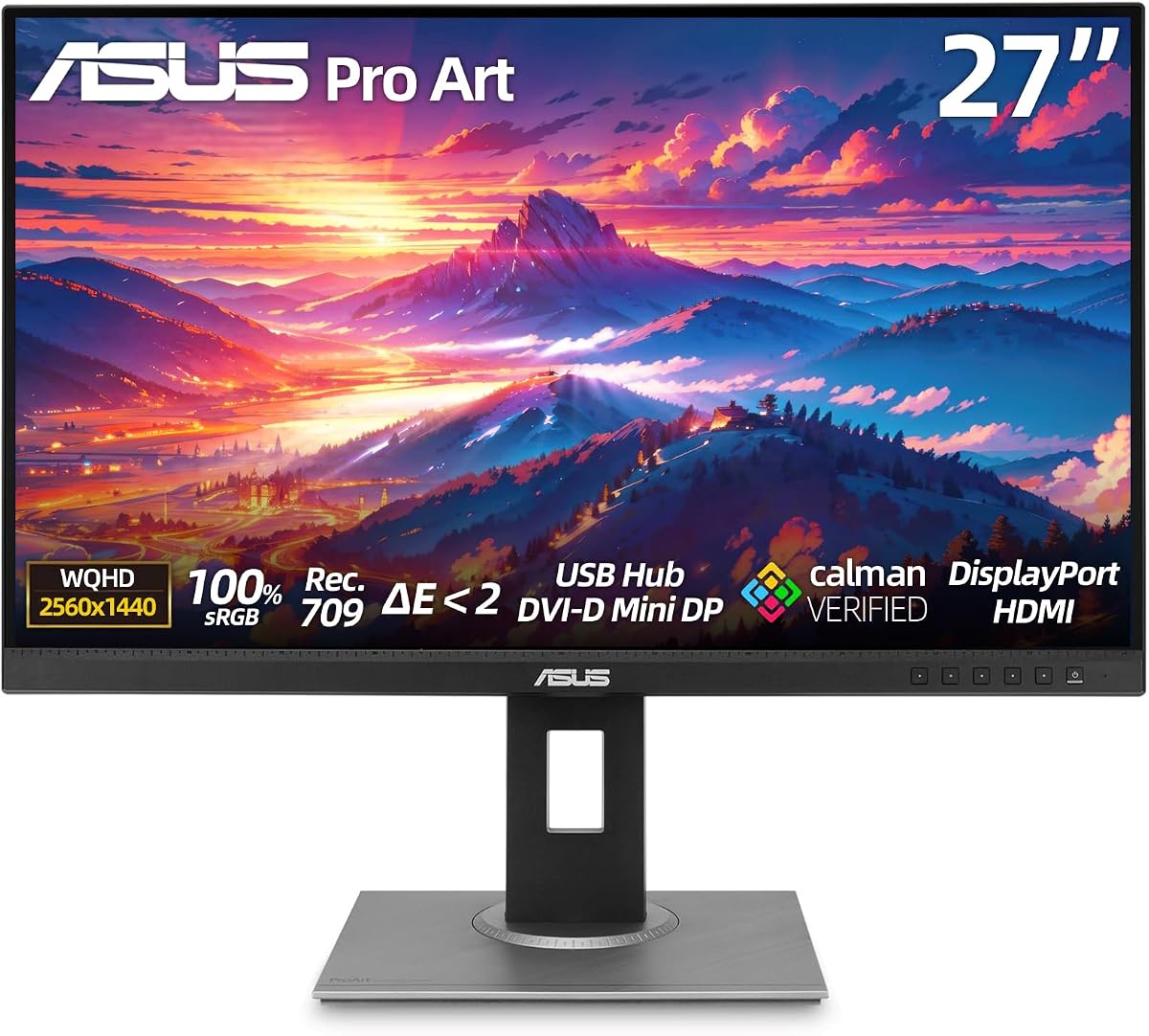
The ASUS ProArt PA248QV offers professional color accuracy at an entry-level price point. It features a 24-inch WUXGA display with 100% sRGB coverage for reliable image reproduction.
We may earn a commission when you buy through this link, at no additional cost to you.
Calman Verified technology ensures consistent hues across your workflow. The anti-glare screen reduces reflections, making it suitable for brightly lit rooms or outdoor workspaces.
While it lacks 4K resolution, its sharpness and color fidelity are excellent for basic graphic design. The stand supports pivot and height adjustment for versatile viewing angles.
This monitor is perfect for students or freelancers on a budget. If you need dependable colors without high costs, the PA248QV delivers exceptional value for professional work.
100% sRGB and Rec.709 coverage ensures standard compliance for web and print.
Adjustable stand reduces strain during long editing or coding sessions.
We may earn a commission when you buy through this link, at no additional cost to you.
The ASUS ProArt PA32QCV features a massive 32-inch 6K display designed for Mac users. Its LuxPixel AGLR panel provides exceptional clarity for detailed editing tasks.
We may earn a commission when you buy through this link, at no additional cost to you.
With Thunderbolt 4 and daisy-chaining, you can connect multiple devices with minimal cables. The MacBook Color Preset Mode matches your laptop display for seamless transitions.
Its high resolution demands powerful hardware, but the visual payoff is immense. The Auto KVM switch lets you control two computers with one keyboard and mouse.
This monitor suits high-end creative professionals needing large screen real estate. If you want top-tier resolution and Mac integration, the PA32QCV is a powerful investment.
6016 x 3384 resolution offers pixel-perfect detail for design work.
Thunderbolt 4 delivers video and data through a single cable.
We may earn a commission when you buy through this link, at no additional cost to you.
The ASUS ProArt PA278CV provides a great balance of resolution and color accuracy. Its 27-inch QHD display is ideal for multitasking and video editing workflows.
We may earn a commission when you buy through this link, at no additional cost to you.
Factory calibration ensures Delta E < 2 for true-to-life colors. The USB-C port with 65W Power Delivery charges your laptop while driving the display.
Daisy-chaining support helps build multi-monitor setups easily. The stand includes 90-degree pivot for vertical coding or design work.
This model fits professionals who need reliable colors without premium costs. If you want solid performance for design, the PA278CV is a strong contender.
IPS panel with 178-degree viewing angles maintains color consistency.
Includes HDMI, DisplayPort, and USB-C cables for quick setup.
We may earn a commission when you buy through this link, at no additional cost to you.
The ASUS ProArt PA279CV is a highly rated option for photo and video editing. It features a 27-inch WQHD panel with 100% sRGB coverage.
We may earn a commission when you buy through this link, at no additional cost to you.
ASUS Eye Care Technology reduces eye strain with flicker-free and low blue light settings. This makes it suitable for long hours of focused work.
Its Calman Verified status ensures Delta E < 2 accuracy for consistent output. The stand supports full ergonomic adjustments for comfortable viewing.
This monitor is best for editors prioritizing eye health. If you need reliable color and comfort, the PA279CV is an excellent daily driver.
Flicker-free tech minimizes fatigue during extended editing sessions.
Factory calibrated for consistent performance without extra tools.
We may earn a commission when you buy through this link, at no additional cost to you.
The ASUS PA329CRV-P offers a spacious 32-inch 4K display for professional workflows. Its IPS panel delivers vivid visuals with 98% DCI-P3 coverage.
We may earn a commission when you buy through this link, at no additional cost to you.
USB-C with 96W Power Delivery supports high-power laptops. It includes dual HDMI 2.1 ports and DisplayPort daisy-chaining for multi-monitor setups.
TAA compliance ensures it meets government contract requirements. The stand allows tilt, pivot, and height adjustments for personalized comfort.
This monitor suits enterprise buyers or those needing screen real estate. If you want a large 4K display with solid specs, the PA329CRV-P is reliable.
TAA compliant for government contracts with 3000:1 contrast.
Rich port selection includes USB-C, HDMI, and DisplayPort.
We may earn a commission when you buy through this link, at no additional cost to you.
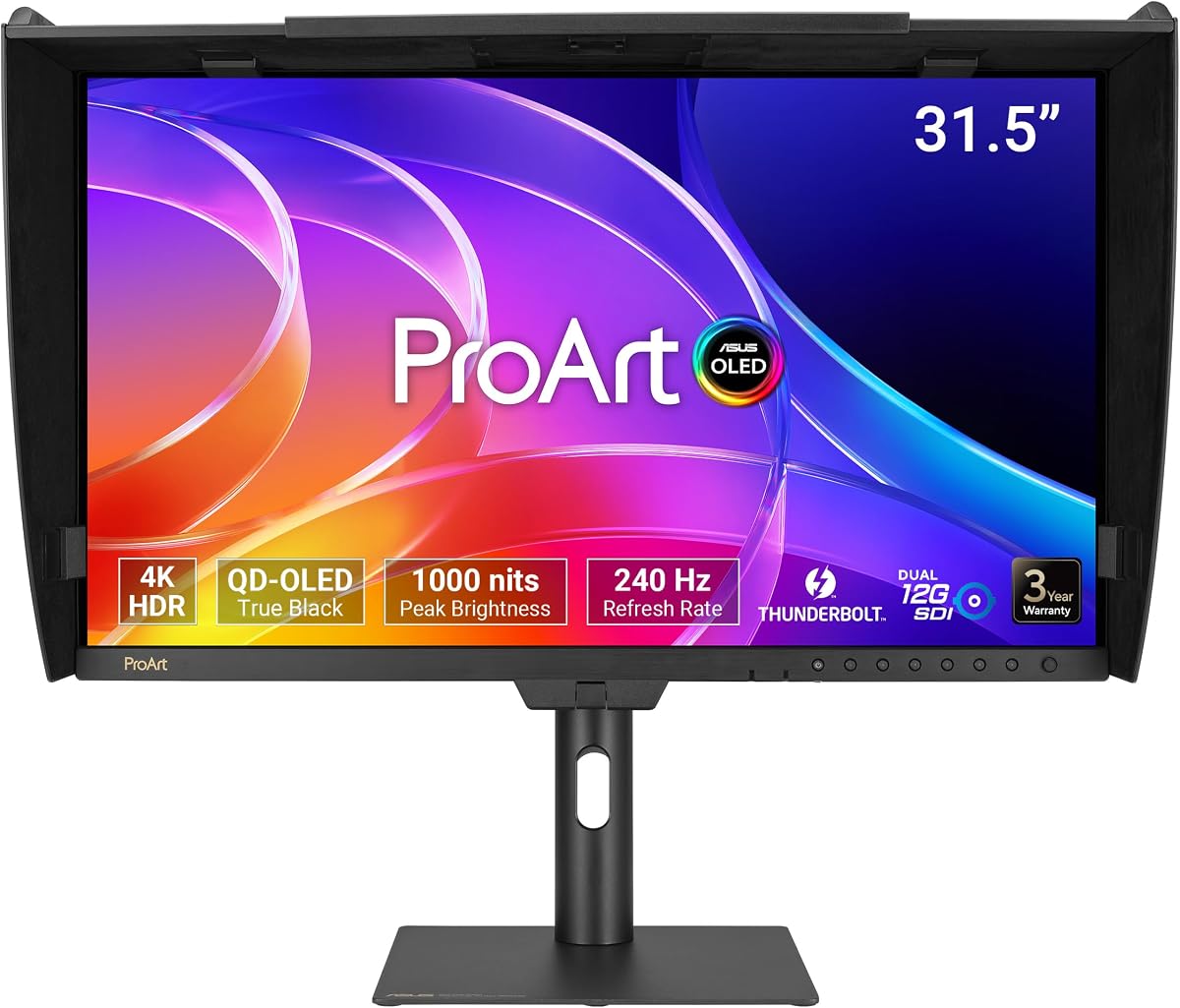
The ASUS ProArt PA32USD features a QD-OLED panel for exceptional contrast and color. Its 1000 nits peak brightness supports HDR content vividly.
We may earn a commission when you buy through this link, at no additional cost to you.
Industry-leading Delta E < 1 performance ensures unmatched accuracy. SDI connectivity supports professional video playback without compression.
While expensive, it delivers OLED performance tailored for pros. The bundled monitor hood reduces reflections for consistent viewing.
This model is best for high-end video editors. If you want OLED quality for color-critical work, the PA32USD is a top choice.
QD-OLED panel offers deep blacks and wide color gamut.
Dual 12G-SDI supports 4K real-time playback.
We may earn a commission when you buy through this link, at no additional cost to you.
The ASUS ProArt PA32UCR-K uses mini-LED backlighting for high brightness. It features quantum-dot technology for 99.5% Adobe RGB coverage.
We may earn a commission when you buy through this link, at no additional cost to you.
It includes an X-rite i1 Calibrator for precise factory calibration. Multiple HDR formats ensure flexibility for different content types.
Despite mixed reviews, its specs suit demanding color work. The USB-C port supports seamless Mac compatibility.
This monitor is for creators needing high-end color and HDR. If you value accuracy and included tools, the PA32UCR-K is compelling.
Mini-LED delivers 1,000 cd/m2 for stunning visuals.
Hardware calibration tool ensures out-of-box accuracy.
We may earn a commission when you buy through this link, at no additional cost to you.
The ASUS ProArt PA278CGV combines 144Hz refresh with color accuracy. Its IPS panel offers wide viewing angles and smooth motion.
We may earn a commission when you buy through this link, at no additional cost to you.
Calman Verified status ensures Delta E < 2 for accurate colors. USB-C with 90W Power Delivery simplifies laptop connections.
It supports HDR 400 and FreeSync Premium for visual flexibility. This hybrid design suits mixed work and play needs.
This monitor is for those wanting smooth motion and color. If you need a versatile screen, the PA278CGV is a strong pick.
144Hz ensures smooth motion for editing or browsing.
Single cable powers and connects your laptop seamlessly.
We may earn a commission when you buy through this link, at no additional cost to you.
The ASUS ProArt PA32UCG-K offers extreme brightness with 1600 nits peak. Mini-LED local dimming provides deep blacks and high contrast.
We may earn a commission when you buy through this link, at no additional cost to you.
It supports Dolby Vision and HDR-10 for lifelike playback. True 10-bit color delivers exceptional fidelity with quantum-dot tech.
Despite mixed ratings, it targets high-end professionals. The included calibrator ensures accurate color right out of the box.
This monitor is for budget-free high-end needs. If you want top-tier HDR and brightness, the PA32UCG-K delivers performance.
1600 nits brightness supports high dynamic range work.
Variable refresh rate supports 48 to 120 Hz.
We may earn a commission when you buy through this link, at no additional cost to you.
Choosing the right ASUS Proart monitor involves evaluating several key factors. This guide breaks down essential specifications to help you make an informed decision.
Resolution affects detail and screen real estate. Choose 4K for high detail or QHD for general use. Screen size determines workspace capacity; 27-inch is standard, while 32-inch offers more space.
Higher resolution suits detail work, while larger screens aid multitasking.
Color accuracy ensures your output matches source files. Look for Delta E < 2 and Calman Verified. Gamut coverage like sRGB or DCI-P3 dictates color range.
Prioritize Delta E < 2 and wide gamuts for professional color work.
IPS panels offer wide viewing angles. OLED and Mini-LED deliver better contrast. Choose based on brightness and depth needs for your environment.
IPS for viewing angles, OLED for contrast, Mini-LED for HDR.
Connectivity determines how you attach devices. USB-C with Power Delivery simplifies laptop use. HDMI and DisplayPort ensure compatibility with other sources.
USB-C reduces cables; HDMI/DP supports legacy and future devices.
Adjustable stands reduce physical strain. Look for tilt, swivel, pivot, and height adjustments. Ergonomic features improve comfort during long sessions.
Full adjustability ensures comfortable viewing for extended work.
Professional warranties protect your investment. ASUS offers five-year warranties with registration. Check support terms for reliability.
Long warranty periods ensure peace of mind for professional use.
Set a budget and prioritize features. Higher costs bring more resolution and specs. Balance performance needs with financial limits.
Match features to your budget to get best value.
Features like daisy-chaining or KVM switches boost workflow. Check for HDR support if needed. These tools save time and effort.
Choose specialized features that match your workflow needs.
To get started, connect your devices using USB-C or HDMI. Adjust the stand for a comfortable viewing angle to reduce neck strain during work.
Use the on-screen menu to calibrate color settings if needed. Factory calibration is reliable, but periodic checks maintain accuracy over time.
Keep the screen clean with a soft microfiber cloth. Avoid harsh chemicals to prevent damage to the panel coatings.
Yes, many models like the PA279CRV support macOS well. They feature USB-C connectivity and color presets optimized for Apple devices.
Calman Verified means the monitor meets specific color accuracy standards. It ensures Delta E < 2 out of the box for professional color work.
Some models support HDR formats. Check specs for HDR400 or higher if you need high dynamic range for video work.
Most offer a five-year warranty. You often get three years standard plus two years extension with online registration.
Yes, some models have high refresh rates. However, they are optimized for color accuracy rather than fast-paced gaming.
Daisy-chaining allows multiple monitors to connect via one cable. This saves ports and keeps your workspace cleaner.
Yes, models include a three-month subscription. Check expiration dates to ensure your purchase qualifies for the offer.
Many models feature 4K resolution. Others offer QHD or WUXGA. Choose based on your detail requirements.
We reviewed ten top options for creatives. The PA279CRV stands out for value and color accuracy. The PA32QCV offers high resolution for professionals.
Prioritize color accuracy and connectivity for your workflow. Consider screen size based on desk space. Ergonomics matter for long-term comfort.
Prices change frequently, so check current listings. Verify specifications match your needs before purchasing to ensure satisfaction.