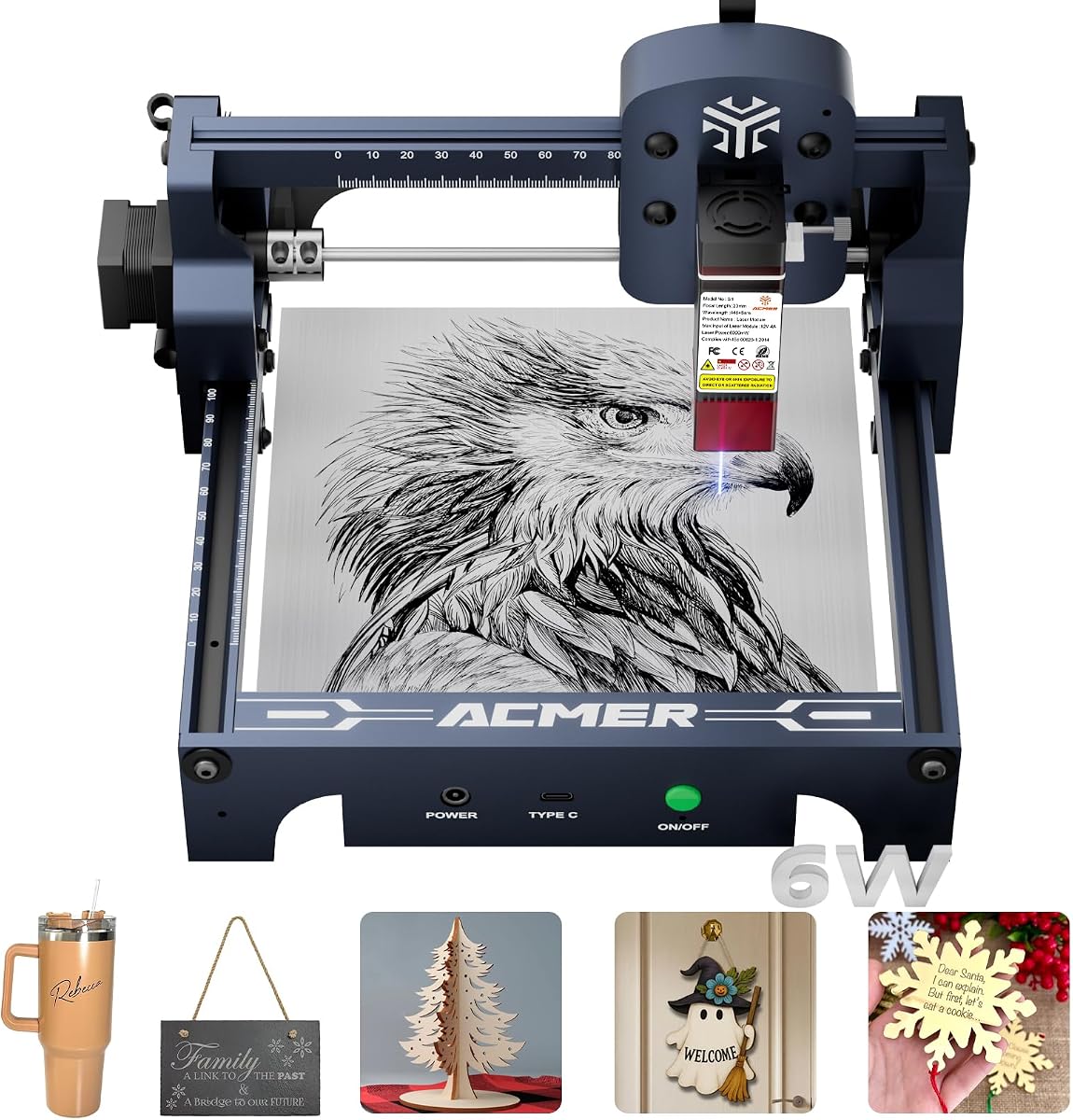
ACMER S1 Laser Engraver
4.3Editor score
6000mW diode power
99 percent preassembled
Compact 130x130mm area
This guide compares the top Acmer laser engraver models for 2026, evaluating power, precision, software compatibility, safety features, and user feedback to
Finding the right laser engraving machine can transform your creative projects into professional products. Acmer offers a range of devices suitable for hobbyists and small businesses alike.
We analyzed ten current models based on laser power, working area, software support, and safety features to provide a comprehensive comparison for potential buyers.
Each pick highlights specific strengths and trade-offs while noting that availability and pricing can change over time so verify details before purchasing.
4.3Editor score

4.4Editor score

5.0Editor score
The following table presents a side-by-side comparison of all ten Acmer laser engraver models highlighting their core specifications and primary use cases for easy reference.


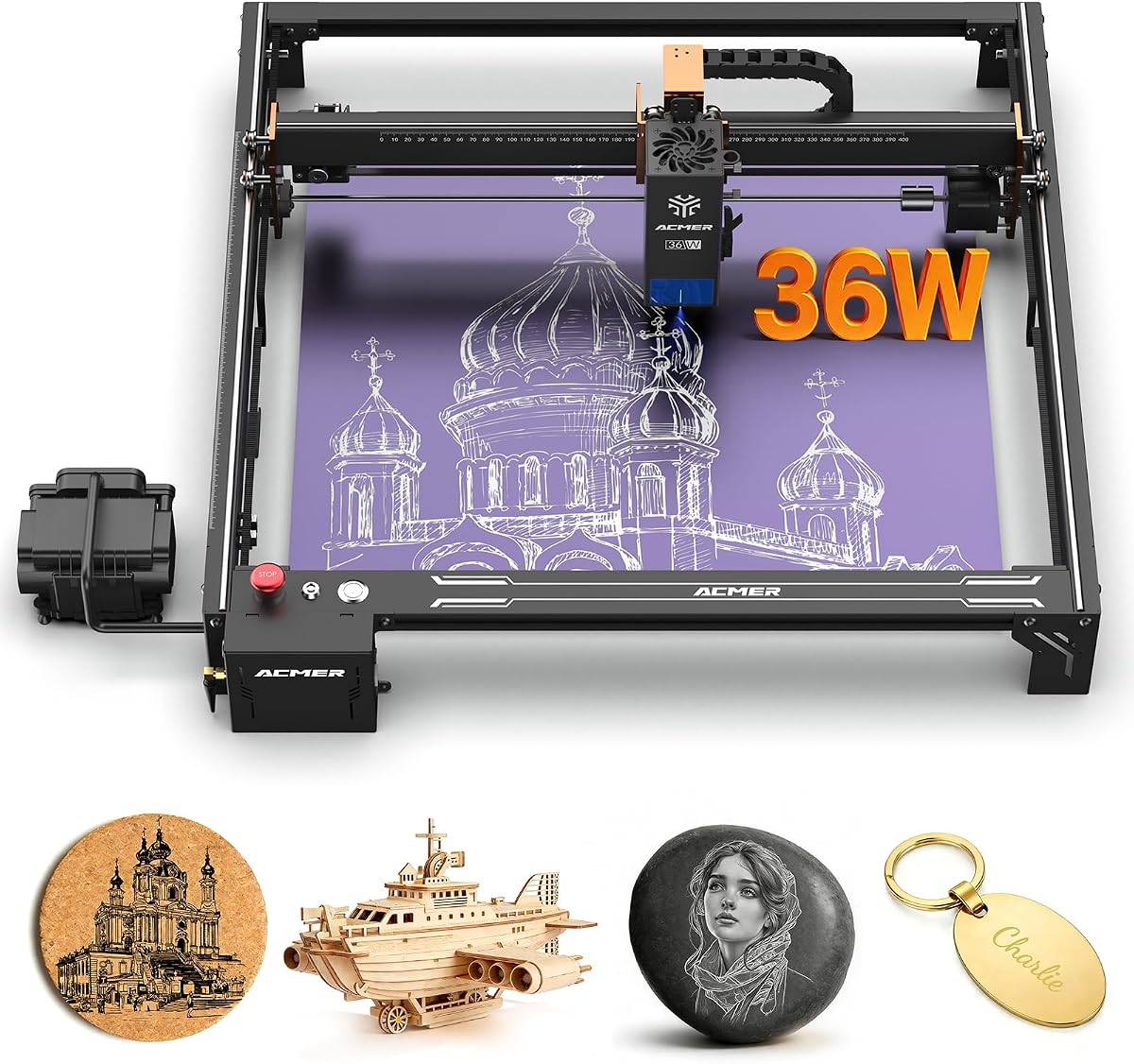
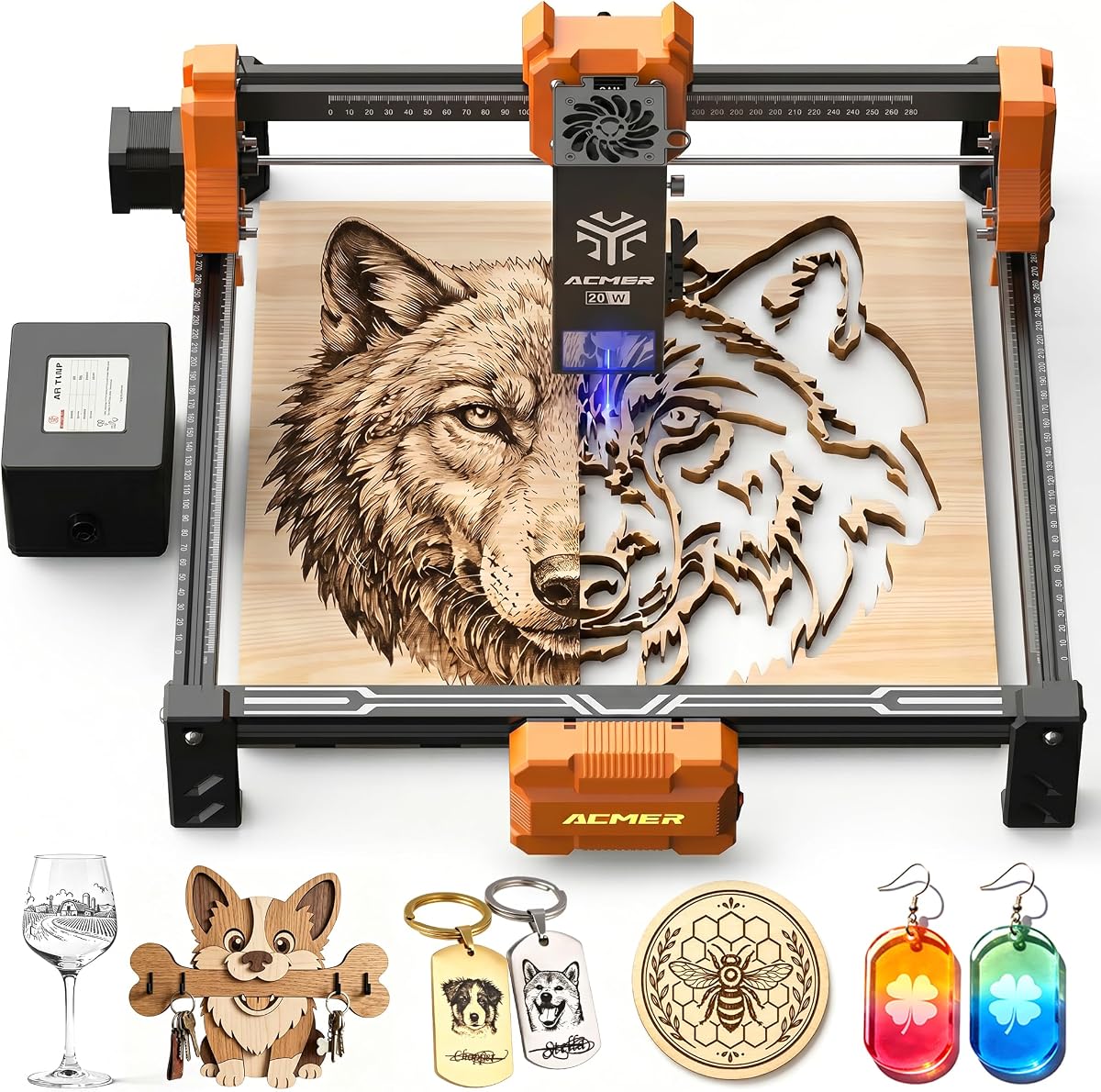
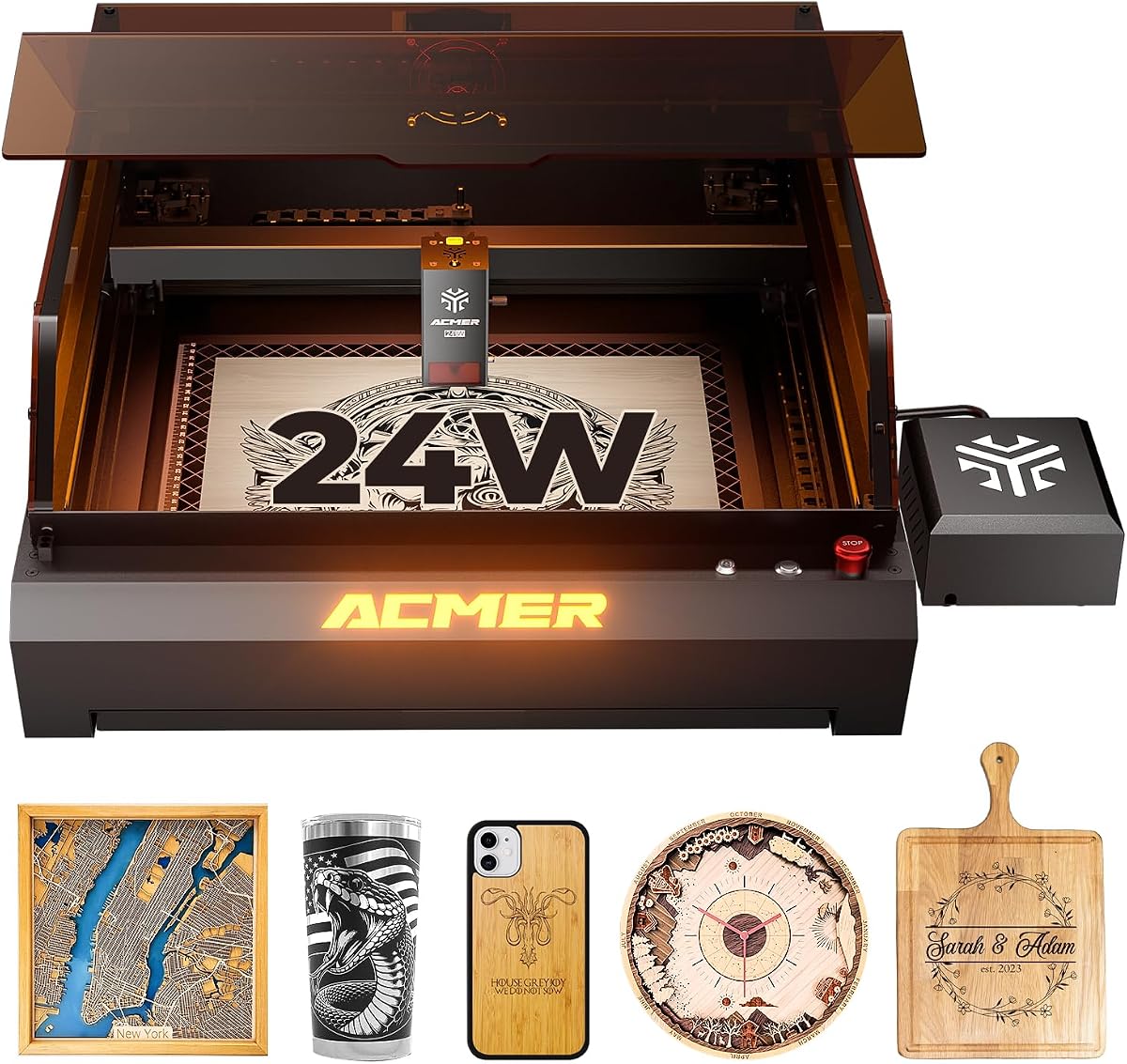

The ACMER S2 Laser Engraver stands out as a robust choice for makers seeking high precision and power. With a user rating of 4.4 stars it demonstrates reliable performance across various projects.
We may earn a commission when you buy through this link, at no additional cost to you.
Its true 12W laser module enables cutting through thicker materials like 15mm paulownia wood while maintaining 0.01mm positioning accuracy for intricate designs. The 300x300mm workspace offers ample room for signs or layered art projects.
While the machine includes anti-UV shields and motion protection it requires careful setup to ensure optimal safety. Beginners might need time to master the software settings though compatibility with LightBurn helps bridge that gap.
This model is ideal for small businesses or advanced hobbyists who need versatility without sacrificing detail. It balances power and safety features effectively making it a top recommendation in this lineup.
The 12W laser module allows for deeper cuts in wood and acrylic compared to lower wattage models.
Support for multiple software platforms ensures users can choose tools they already know or prefer.
We may earn a commission when you buy through this link, at no additional cost to you.
This variant of the S2 model emphasizes ease of entry with AI-driven design tools. It holds a 4.3 rating and appeals to users who want to start creating without complex workflows.
We may earn a commission when you buy through this link, at no additional cost to you.
The integrated AI tools allow users to turn text prompts or photos into engraving designs instantly. Combined with a 10000mm/min speed and 0.01mm accuracy it handles detailed patterns efficiently on many materials.
While the software simplifies creation it may still require learning for those unfamiliar with laser settings. The large workspace supports bigger projects but requires stable mounting for consistent results.
It is a strong choice for creators who value speed and smart features over manual control. The balance of power and usability makes it attractive for both personal and light commercial use.
Built-in AI tools reduce the time needed to prepare images or text for engraving projects.
Fast engraving speeds minimize wait times allowing more projects to be completed in less time.
We may earn a commission when you buy through this link, at no additional cost to you.
The ACMER S1 is an excellent entry point for those new to laser engraving. With a 4.3 rating it offers solid performance at a lower cost while remaining versatile for various crafts.
We may earn a commission when you buy through this link, at no additional cost to you.
Its compact 130x130mm workspace makes it suitable for small projects like jewelry or phone cases. The 99 percent preassembled design ensures quick setup so users can start engraving almost immediately.
While limited in cutting depth compared to higher wattage models it excels at detailed engraving on wood and leather. The lightweight build allows easy storage though it requires careful handling during operation.
This model suits hobbyists or beginners who prioritize simplicity and portability over heavy-duty cutting. It delivers reliable results for personal gifts and small business items without overwhelming complexity.
Most units arrive nearly ready to use requiring minimal assembly before first operation.
Weighing only 2kg this machine can be moved or stored easily between projects.
We may earn a commission when you buy through this link, at no additional cost to you.
This S2 model stands out for its strong safety features and perfect user rating. It combines 7W power with motion detection technology to ensure a secure working environment for all users.
We may earn a commission when you buy through this link, at no additional cost to you.
The 300x300mm workspace allows for larger projects while the motion detection pauses operation if movement is detected. This makes it particularly suitable for classrooms or shared workspaces where safety is paramount.
While the laser power is lower than the 12W variant it still handles most engraving tasks effectively. Users should note that setup requires care to ensure the safety systems are functioning correctly.
It is a great choice for families or educators who prioritize safety without sacrificing workspace size. The combination of ease of use and protective features makes it highly recommended for cautious users.
Motion detection and auto-pause features reduce risks during operation in busy environments.
A 300x300mm surface supports larger signs or multiple items without repositioning.
We may earn a commission when you buy through this link, at no additional cost to you.
The P1 S Pro 20W delivers strong performance with its true 20W diode laser module. It holds a perfect 5.0 rating and is known for producing clean cuts and sharp details across many materials.
We may earn a commission when you buy through this link, at no additional cost to you.
A built-in 25L/min air assist pump helps minimize burn marks and protect the lens during cutting. The 0.08×0.1mm spot size ensures high precision for photo engraving or intricate logos.
While the price is higher than entry models the added features justify the cost for serious users. It still requires proper ventilation despite the air assist to manage smoke during heavy use.
This model is best for small businesses or professionals who need reliable output. The balance of power and precision makes it a versatile tool for varied production needs.
Air assist reduces residue resulting in cleaner edges and better finished product quality.
Lens technology offers extended lifespan reducing maintenance needs over time.
We may earn a commission when you buy through this link, at no additional cost to you.
The S2 Pro 36W is designed for users needing high power and stability for larger jobs. It features a dual linear rail system that ensures smooth movement even at high speeds.
We may earn a commission when you buy through this link, at no additional cost to you.
With a massive 400x400mm workspace and 36W power it can handle thick materials and large batch runs. The 30L/min air assist maintains edge quality while reducing smoke residue on materials.
While it offers WiFi and offline options the complexity may be daunting for casual hobbyists. Maintenance and alignment might require more attention due to the advanced mechanical design.
This machine suits small manufacturers or advanced makers focused on efficiency. The combination of size power and connectivity supports professional-grade workflows effectively.
Dual linear rails provide better vibration control for long runs and fine details.
TF card and WiFi support allow offline printing which is useful in stable networks.
We may earn a commission when you buy through this link, at no additional cost to you.
This 20W model offers a perfect balance of power and precision with a flawless 5.0 rating. It handles both detailed engraving and deeper cutting tasks with reliable consistency.
We may earn a commission when you buy through this link, at no additional cost to you.
The 25L/min air assist pump ensures cleaner cuts and reduces burn marks significantly. With a 300x285mm workspace it accommodates mid-sized projects without needing multiple repositioning steps.
While it is heavier than entry models it provides stability needed for quality work. Users should ensure adequate space is available for the machine and its ventilation requirements.
It is an excellent choice for serious hobbyists or small businesses starting out. The combination of features supports a wide range of creative and commercial projects effectively.
High accuracy ensures that every pass matches the design files exactly.
User feedback highlights consistent results across multiple material types.
We may earn a commission when you buy through this link, at no additional cost to you.
The P3 Laser Engraver represents the top tier of Acmer offerings with dual laser capabilities. It holds a perfect 5.0 rating and offers industry-leading safety features for professional environments.
We may earn a commission when you buy through this link, at no additional cost to you.
Switching between 24W and 48W output allows flexibility for different material densities. The CoreXY structure ensures high-speed precision while the closed-box design minimizes smoke and noise significantly.
While the price reflects its professional status it also demands careful setup and maintenance. Users must ensure the enclosure is properly sealed to maintain safety ratings during operation.
This machine is ideal for advanced users who require versatility and safety. The integrated camera and waste drawer streamline workflow making it a comprehensive solution for serious makers.
The closed-box design reduces exposure risks and contains smoke effectively.
Integrated camera simplifies material positioning for accurate engraving placement.
We may earn a commission when you buy through this link, at no additional cost to you.
This 24W model blends professional power with a compact desktop design. It holds a perfect 5.0 rating and features a camera module that simplifies alignment for precise projects.
We may earn a commission when you buy through this link, at no additional cost to you.
The 400x400mm workspace supports larger items while the aviation grade aluminum frame ensures long-term stability. Over-temperature and tilt protection add layers of safety for home or studio use.
While it is powerful the closed design requires attention to ventilation requirements. Users should ensure the workspace is well-ventilated to manage any residual fumes safely.
It is best suited for advanced hobbyists needing professional-grade output. The camera feature particularly aids in positioning making it accessible despite its power.
The camera system helps align materials accurately reducing setup errors.
Aviation grade materials provide durability and resistance to vibration.
We may earn a commission when you buy through this link, at no additional cost to you.
This model stands out for its large workspace relative to its compact size. It holds a perfect 5.0 rating and offers WiFi control which simplifies operation for modern users.
We may earn a commission when you buy through this link, at no additional cost to you.
The 380x370mm area allows for large projects despite the 6W dual beam power. Safety certifications ensure safe usage for hobbyists while the modular frame design eases maintenance tasks.
While the laser power is lower it remains effective for detailed engraving tasks. Users should note that cutting thicker materials may require multiple passes or slower speeds.
It is a great fit for small businesses or crafters needing workspace size. The balance of features and portability makes it versatile for home-based production.
WiFi control allows sending files wirelessly which reduces cable clutter.
Spacious surface supports larger signs or multi-piece layouts easily.
We may earn a commission when you buy through this link, at no additional cost to you.
Selecting the right engraver requires understanding how power precision safety and workspace align with your needs and budget.
Laser power determines how fast and deeply the machine can cut materials. Higher wattage like 20W or 48W handles thicker wood or acrylic faster while lower wattage is sufficient for detailed engraving.
Choose higher power if you plan to cut thick materials regularly but lower power may suffice for surface marking.
The working area defines the maximum size of objects you can engrave without repositioning. Larger areas like 400x400mm support big projects while smaller ones are more portable.
Match the workspace to your typical project sizes to avoid constant adjustment during production.
Precision impacts how fine details are reproduced on materials. A 0.01mm positioning accuracy ensures intricate logos or text remain crisp and readable.
For detailed work look for models with small laser spots and high resolution capabilities.
Safety features like motion detection closed enclosures or protective shields protect users from accidental exposure. These are critical for home use or environments with children nearby.
Prioritize models with certifications and protective gear if safety is a primary concern.
Software determines how easily you can prepare designs for engraving. Compatibility with LightBurn or LaserGRBL offers flexibility while proprietary software might be easier for beginners.
Select software that aligns with your technical skill level and existing design tools.
Air assist pumps help clear smoke and debris from the cutting path reducing burn marks and improving edge quality. This is vital for clean results on materials like wood.
Models with built-in air pumps save the need for external accessories and streamline setup.
Connectivity options like WiFi USB or TF card determine how you transfer designs to the machine. Wireless options simplify workflows for desktop setups where cables may be cumbersome.
Choose models that support your preferred method of file transfer for better convenience.
Build quality affects how long the machine lasts and how stable it performs over time. Metal frames and linear rails reduce vibration and ensure consistent results during long production runs.
Invest in sturdy construction if you plan on heavy or commercial use over extended periods.
Begin by securing your material properly on the honeycomb or roller bed to prevent movement during operation. Use the software to set the correct focal length and power settings for your specific material type.
Always wear appropriate laser safety glasses and ensure the ventilation system is functioning correctly before starting any engraving job. Run a test piece on scrap material to verify focus and settings before proceeding to the actual project.
Regular maintenance such as cleaning lenses checking rails for debris and updating software keeps the machine performing well. Store the unit in a dry place away from direct sunlight to protect sensitive electronic components.
These machines can engrave wood acrylic leather paper bamboo PCBs and coated metals. Cutting capabilities depend on laser power but common materials like wood and acrylic are routinely processed. Always verify material safety before engraving to avoid toxic fumes.
Most models support both proprietary software and popular platforms like LightBurn and LaserGRBL. Beginners may find the free Acmerstudio easier to start with while advanced users might prefer the flexibility of open-source options.
Regularly clean the lens with a soft cloth and isopropyl alcohol to remove dust or residue. Avoid exposing the module to moisture or direct sunlight and check focal distances frequently to ensure sharp engraving results.
Many models include safety features like motion detection protective shields and fire detection systems. However proper ventilation and adherence to laser safety guidelines are essential. Always supervise the machine during operation and store protective eyewear nearby.
Yes higher wattage models like the S2 Pro or P3 offer the speed and durability needed for small batch production. Ensure you have adequate ventilation and consider workflow efficiency when planning your setup.
Laser modules typically last thousands of hours depending on usage intensity and maintenance practices. Some models claim up to 8000 hours of use but avoiding excessive heat and dust helps prolong lifespan significantly.
Follow the manufacturer's calibration guide to adjust focal length and bed level. Running a grid test and adjusting power settings based on results helps ensure consistent precision across different materials.
Many models support optional rotary attachments for engraving cylindrical objects like tumblers or bottles. Check if the specific model you choose includes or supports rotary modules for round objects.
This guide highlighted the top Acmer laser engraver models ranging from beginner-friendly options to professional high-power machines. Each model offers distinct advantages in power workspace or safety features.
Prioritize laser power and workspace size based on your typical projects while ensuring safety features match your environment. Compatibility with software you already know can save time during setup.
Prices and availability may vary so always check current product details before purchasing. With the right choice your Acmer engraver can unlock countless creative possibilities.