
ALOGIC Clarity Touch
5.0Editor score
World's first 6K touchscreen
Includes active stylus pen
Fold stand for drawing mode
Discover the ultimate visual experience with the latest 32 inch 6K monitors. These displays offer incredible pixel density and sharpness that transform your workspace into a canvas of clarity and detail.
We have evaluated ten leading models based on real-world performance data. Our analysis covers color accuracy, connectivity options, refresh rates, and ergonomic features to help you find the perfect match.
Each pick highlights specific strengths for different user needs. Keep in mind that prices and availability change frequently, so verify current listings before making your final purchase decision today.
5.0Editor score

3.8Editor score

3.9Editor score
As an Amazon Associate we earn from qualifying purchases.
Explore our detailed side-by-side comparison of the top ten 32 inch 6K monitors available on the market. This table breaks down key specifications to help you quickly identify the best option for your workflow and budget needs.


This LG UltraFine evo monitor stands out as the world's first 6K display with Thunderbolt 5 connectivity. Its rating reflects strong performance for creative professionals who need high fidelity.
We may earn a commission when you buy through this link, at no additional cost to you.
The Nano IPS Black panel delivers a 2000:1 contrast ratio, providing deeper blacks and richer shadows than traditional IPS screens. This makes it ideal for color grading and photo editing.
While it offers unmatched clarity with 224 PPI, the high cost might be a barrier for some users. Additionally, full performance requires a compatible Thunderbolt 5 host device.
For professional creators seeking the best visual quality and future-proof connectivity, this monitor is the top recommendation available in October 2026.
Thunderbolt 5 offers 80 Gbps transfer speeds, which is twice as fast as Thunderbolt 4, ensuring quick data transfer for large creative files.
DisplayHDR 600 certification ensures brilliant highlights and crisp contrast, revealing every detail in your scene for precise editing work.
We may earn a commission when you buy through this link, at no additional cost to you.
The ASUS ProArt PA32QCV offers excellent value for creators needing precise color without breaking the bank. It comes factory calibrated to ensure accurate color reproduction right out of the box.
We may earn a commission when you buy through this link, at no additional cost to you.
With 98% DCI-P3 and 100% sRGB coverage, it meets international color standards. The MacBook color matching mode makes it seamless for Apple users to integrate into their workflow.
While it lacks the newest Thunderbolt 5 tech, it still provides dual Thunderbolt 4 ports with daisy-chaining support. The included free subscription adds significant value for the purchase.
This model is the smart budget choice for graphic designers and photographers who prioritize color accuracy and warranty support over the absolute latest interface speeds.
Calman Verified factory calibration delivers Delta E less than 2 color accuracy, ensuring your designs look exactly as intended across different outputs.
Built-in Auto KVM switch allows effortless switching between two connected laptops or PCs using a single keyboard and mouse for streamlined tasks.
We may earn a commission when you buy through this link, at no additional cost to you.
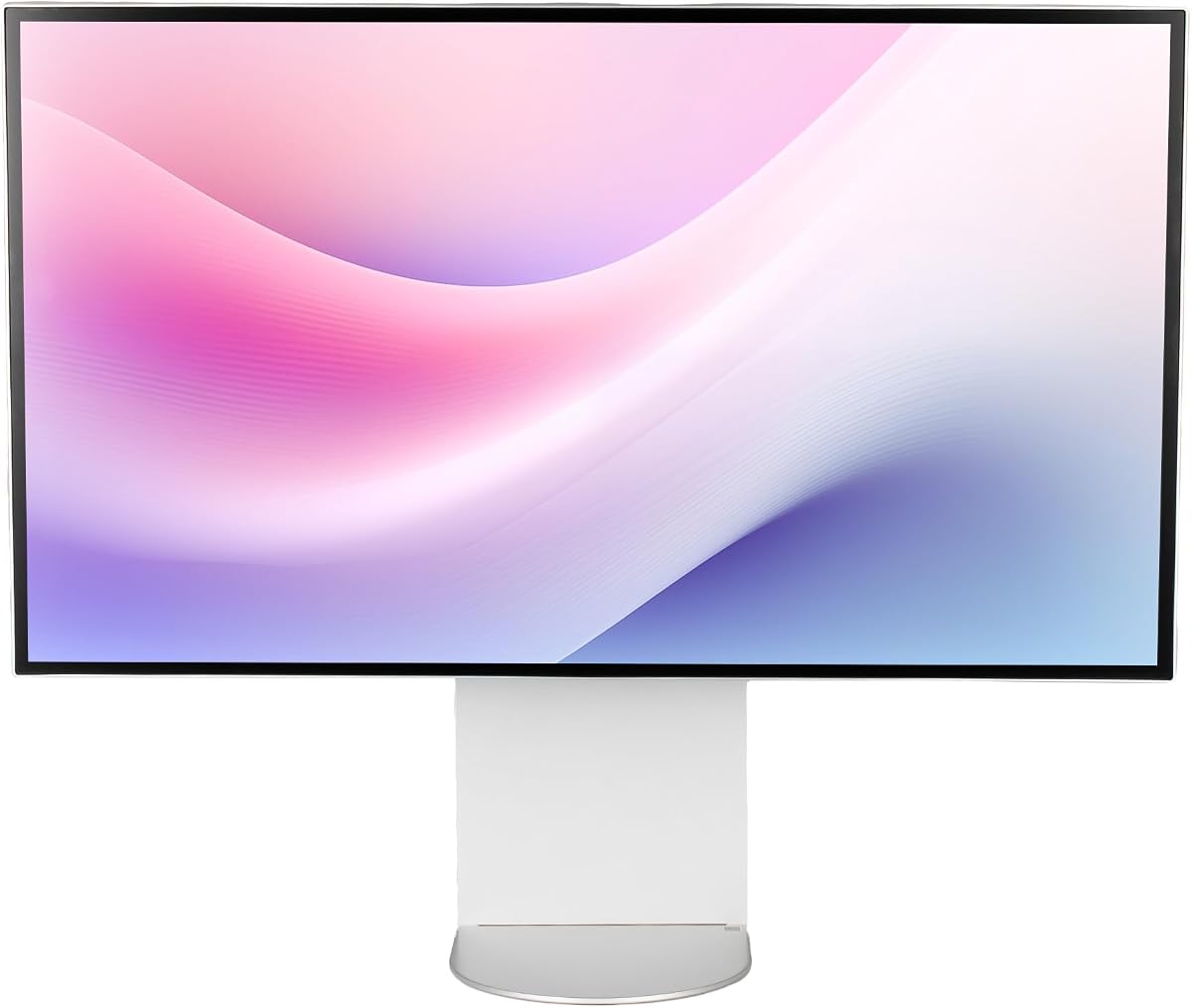
The ALOGIC Clarity Touch is the world's first 6K touchscreen monitor, bringing iPad-like interaction to a massive 32-inch canvas. It holds a perfect rating for its innovative approach to creative work.
We may earn a commission when you buy through this link, at no additional cost to you.
Designed specifically for artists, it includes an active stylus with 4096 levels of pressure sensitivity. The fold stand allows the screen to lie flat, transforming it into a digital drafting board.
The price is significantly higher than standard 6K monitors, but the tactile interface offers unique advantages for sketching and annotation that touch-less screens cannot match.
For architects, artists, and designers who need a direct creative tool, this premium monitor provides an unparalleled interactive experience in the professional display market.
Navigate your Mac or PC like a 32-inch iPad with ultra-precise touch control, eliminating barriers between you and your digital ideas.
The included Clarity Fold Stand makes it easy to switch from upright mode to an ergonomic drawing tablet resting flat against the table.
We may earn a commission when you buy through this link, at no additional cost to you.
Samsung's Odyssey G8 is the industry's first 6K gaming monitor, defining scenes with intricately rendered details. It is designed for gamers who demand high resolution alongside fast refresh rates.
We may earn a commission when you buy through this link, at no additional cost to you.
Its Dual Mode feature offers breathtaking visuals at 6K 165Hz or lightning-fast action at 3K 330Hz. This flexibility ensures you can prioritize speed or detail depending on your current gaming session.
While excellent for play, the focus on gaming specs like HDR10+ may not offer the color precision required for professional editing work. It serves a specific high-performance entertainment niche.
If you need a single display for both creative work and competitive gaming, this monitor bridges the gap better than any other 6K option available right now.
Offering 6K at 165Hz and 3K at 330Hz, the Dual Mode allows you to switch between visuals and speed with a near-instant 1ms response time.
NVIDIA G-Sync compatibility and AMD FreeSync Premium sync your GPU and panel to reduce choppiness, screen lag, and image tearing for smooth play.
We may earn a commission when you buy through this link, at no additional cost to you.
The Dell UltraSharp U3224KB focuses on maximum productivity for office environments. Its built-in webcam removes the need for external cameras, decluttering your workspace while maintaining high resolution clarity.
We may earn a commission when you buy through this link, at no additional cost to you.
With a viewable screen size of 31.5 inches, it showcases movies and photos with striking clarity. The USB Type-C port allows quick transmission of data at a higher rate for your daily convenience.
The 450 Nit brightness ensures you can view your content easily in well-lit areas without strain. However, its 5ms response time is standard and not ideal for high-speed gaming or fast motion.
This monitor is the best choice for corporate and administrative users who value screen real estate and integration features over extreme visual performance specs.
The built-in webcam feature helps reduce desk clutter by eliminating external cameras, keeping your workspace clean and professional for video calls.
LED backlight technology offers visual brilliance with maximum efficiency, providing a vivid and crystal clear display with added productivity for daily tasks.
We may earn a commission when you buy through this link, at no additional cost to you.
This bundle version of the LG UltraFine evo adds essential accessories for a complete workspace setup. It includes cable ties and a LCD screen cleaning kit to maintain the pristine quality of the panel.
We may earn a commission when you buy through this link, at no additional cost to you.
With a high rating, it offers a streamlined way to get the monitor plus necessary tools. The KVM functionality allows you to control two connected computers using a single keyboard and mouse.
While the monitor hardware matches the top pick, the extra items provide tangible value for those setting up a new desk. It ensures you have everything needed for immediate professional use.
For buyers who prefer a ready-to-go solution, this bundle offers convenience and practical benefits that justify the price over a standalone unit.
The bundle items include the monitor, cable ties, and an LCD screen cleaning kit to help you maintain the display with professional care.
Boost efficiency in multi-system environments with built-in KVM functionality that simplifies switching between connected computers without extra hardware.
We may earn a commission when you buy through this link, at no additional cost to you.
The G32X offers a clean and sleek minimalist design that fits modern home office aesthetics. It provides a 6K IPS panel with 98% DCI-P3 coverage for immersive gaming and professional editing.
We may earn a commission when you buy through this link, at no additional cost to you.
With a 500-Nit brightness level, it delivers deeper blacks and brighter highlights. The 100W high-speed port allows you to charge laptops and tablets via a single cable while streaming video.
Its 178-degree viewing angle makes it perfect for collaborative work or cinematic experiences. The universal mount compatibility supports third-party monitor arms for flexible and ergonomic setup options.
If style and versatility are priorities for your home setup, this monitor balances good performance with a clean look that enhances your workspace environment.
The CNC-machined aluminum body ensures premium durability and sleek aesthetics while minimizing eye fatigue with anti-glare coatings.
The 100W high-speed port lets you charge laptops and tablets via a single cable while streaming 6K video for simplified connections.
We may earn a commission when you buy through this link, at no additional cost to you.
The G32P Glossy monitor is designed for users who want to mount the display on a custom arm. Its honeycomb cooling design ensures premium durability while maintaining sleek aesthetics for a clean desk.
We may earn a commission when you buy through this link, at no additional cost to you.
The glossy finish enhances color vibrancy and depth. With 6144 x 3456 resolution and 223 PPI density, it provides stunning clarity for both work and entertainment needs.
Keep in mind that this version is sold without a stand, so you must have a VESA mount ready. This can save space but requires additional setup effort compared to boxed options.
For DIY enthusiasts looking for high performance and a specific look, this monitor delivers strong visual quality and cooling performance for long viewing sessions.
The honeycomb cooling design ensures premium durability and sleek aesthetics while keeping the unit running efficiently during extended use.
With 223 PPI density, the screen provides stunning clarity for both work and entertainment, ensuring details remain sharp and vibrant.
We may earn a commission when you buy through this link, at no additional cost to you.
This Dell bundle pairs the UltraSharp monitor with an enhanced protection pack for peace of mind. It includes necessary cables like the mini DisplayPort cable to ensure you can connect immediately.
We may earn a commission when you buy through this link, at no additional cost to you.
The LED monitor offers maximum productivity with added dependability. The 2 Year Premium Extended Service Protection Plan ensures that your investment is covered against potential hardware failures or issues.
While the core specs match other office models, the value here lies in the comprehensive service agreement. This is particularly useful for business users requiring long-term reliability.
Choose this bundle if you want to safeguard your purchase against future costs and ensure your workflow remains uninterrupted during critical projects.
The LED monitor offers maximum productivity with added dependability, ensuring your display supports your needs without unexpected interruptions.
The 2 Year Premium Extended Service Protection Plan gives you extra security and support for your display investment over time.
We may earn a commission when you buy through this link, at no additional cost to you.
The LG Ultrafine 32U990A offers a solid standard choice for those seeking reliable 6K resolution. It features a Nano IPS panel with anti-glare properties for comfortable viewing in bright conditions.
We may earn a commission when you buy through this link, at no additional cost to you.
With an adjustable stand that includes tilt, height, and pivot options, it allows for ergonomic customization. The VESA 100 x 100 mm mount compatibility also provides flexibility for third-party arms.
While it has a 5ms G2G response time, it remains suitable for general work and media consumption. It is a dependable option for users prioritizing basic professional quality.
This model serves as a stable entry point into the 6K market, delivering consistent performance for standard professional tasks without complex requirements.
The stand features tilt, height, and pivot adjustments for a comfortable viewing experience that suits various work positions.
Operating with Energy Efficiency Class G, it balances performance with power consumption for daily office usage.
We may earn a commission when you buy through this link, at no additional cost to you.
Selecting the right monitor involves balancing technical specs with your specific workflow needs. This guide breaks down the critical factors to consider.
The primary advantage of these monitors is the 6K resolution which typically ranges from 6016 x 3384 to 6144 x 3456. This offers a pixel density of around 224 PPI that ensures text and images look incredibly sharp.
Look for a monitor with at least 210 PPI to fully utilize the detail. Higher PPI reduces eye strain when reading small text and provides more working space for complex software interfaces.
Most professional models use IPS panels for wide viewing angles and consistent color. Some premium options now use Nano IPS Black which improves contrast significantly over standard IPS displays.
Check the color gamut coverage. Aim for 98% DCI-P3 or higher for professional creative work. Factory calibration with Delta E less than 2 is also important for accurate color reproduction.
Modern workflows often require high-speed data transfer. Thunderbolt 5 is the newest standard offering up to 80 Gbps speed. However Thunderbolt 4 is still a strong option for many users.
Ensure the monitor supports 90W or 100W power delivery over USB-C. This allows you to charge your laptop with a single cable. Daisy chaining support is also valuable for multi-monitor setups.
For creative work a standard 60Hz refresh rate is usually sufficient. However if you also game or watch fast motion content look for models with higher refresh rates like 165Hz.
Check the response time to avoid ghosting in fast moving images. Gaming monitors often offer 1ms response times while office models may sit around 5ms. Choose based on your usage priority.
A good stand allows for height tilt swivel and pivot adjustments. Pivot is crucial for coding or reading vertical documents. Ensure the stand is sturdy enough to prevent wobbling.
If space is limited look for VESA mount compatibility which allows you to use a third-party monitor arm. Some models like the G32P Glossy come without a stand for flexibility.
For accurate viewing in various lighting conditions aim for a brightness of at least 450 nits. HDR support enhances dynamic range making highlights pop and shadows deeper.
VESA DisplayHDR certification like HDR 600 ensures the monitor meets specific performance standards. This is useful for video editing or watching HDR content on streaming platforms.
Professional displays are a significant investment so warranty coverage matters. Look for options that offer at least 3 years of protection. Some brands offer extended warranties upon registration.
Check if the warranty includes panel replacement for dead pixels. A strong support network helps resolve issues quickly ensuring your work remains uninterrupted during the warranty period.
Some monitors include features like KVM switches to control multiple computers with one keyboard and mouse. Others offer built-in webcams to save desk space for office environments.
Touchscreen models like the ALOGIC Clarity provide direct interaction for designers. Evaluate if these specific features justify the extra cost for your specific workflow and productivity needs.
Proper setup begins with connecting via the correct high-speed cable. Use a certified Thunderbolt 5 or 4 cable to ensure you get the full 80 Gbps data transfer and power delivery capabilities without bottlenecks.
Adjust the brightness and color settings to match your room lighting. Enable night mode or blue light filters in the evening to reduce eye strain. Use the monitor's preset modes like sRGB for accurate color work.
Clean the screen regularly with a soft microfiber cloth. Avoid using harsh chemicals or paper towels that could scratch the surface. Use the provided cleaning kit or a dedicated screen solution for best results.
Yes. A 6K monitor offers over 21 million pixels compared to 8 million on a 4K screen. This higher density allows you to see more detail and have more space for tools without zooming.
Running 6K requires a capable graphics card. Ensure your GPU supports the resolution at your desired refresh rate. Thunderbolt 5 monitors may require newer Mac or Windows models for full performance.
Thunderbolt 5 offers double the bandwidth of Thunderbolt 4 reaching 80 Gbps. This allows for faster data transfer and higher resolution daisy chaining. However 4 is still sufficient for many standard workflows.
Yes but it depends on the panel. Gaming specific models offer high refresh rates like 165Hz. Standard creative monitors are 60Hz which is fine for casual gaming but not competitive titles.
Standard IPS panels have a contrast ratio of about 1000:1 which can make blacks look gray. IPS Black improves this to 2000:1 providing deeper blacks and better shadow detail for video editing.
Prices generally range from 1200 to 2600 dollars depending on features. Budget models offer basic 6K resolution. Premium models include touch capabilities or latest connectivity like Thunderbolt 5.
The LG 32U990A-S stands out as the top choice for professional creatives needing the latest connectivity and deep contrast. Its Thunderbolt 5 support and IPS Black technology set a new standard.
For those on a budget the ASUS ProArt PA32QCV offers incredible value with factory calibration and a solid warranty. If you need touch capabilities the ALOGIC Clarity Touch is the only true 6K option.
Remember that prices change frequently so always check the latest listings before buying. Invest in a monitor that matches your workflow to ensure maximum productivity and visual clarity.