
Anker 45W USB C Charger Block
4.8Editor score
Two 45W chargers included
MultiProtect safety features
Dual USB-C cables included
This guide compares the top Anker USB C fast chargers for 2026, evaluating power output, port configurations, GaN technology, and safety features to help you
Finding a reliable charging solution is essential in our connected world. Anker has established itself as a leader in power technology, offering diverse USB C options. This guide reviews their latest models to help you find the perfect match for your daily power needs.
We evaluated each charger based on power delivery, port flexibility, build quality, and safety certifications. Our analysis includes real-world usage scenarios and technical specifications. This ensures you understand how each model performs under various conditions.
Each pick highlights specific strengths like speed, size, or multi-device support. Remember that availability and pricing can shift frequently. Always check current details before purchasing to ensure you get the best value for your specific requirements.
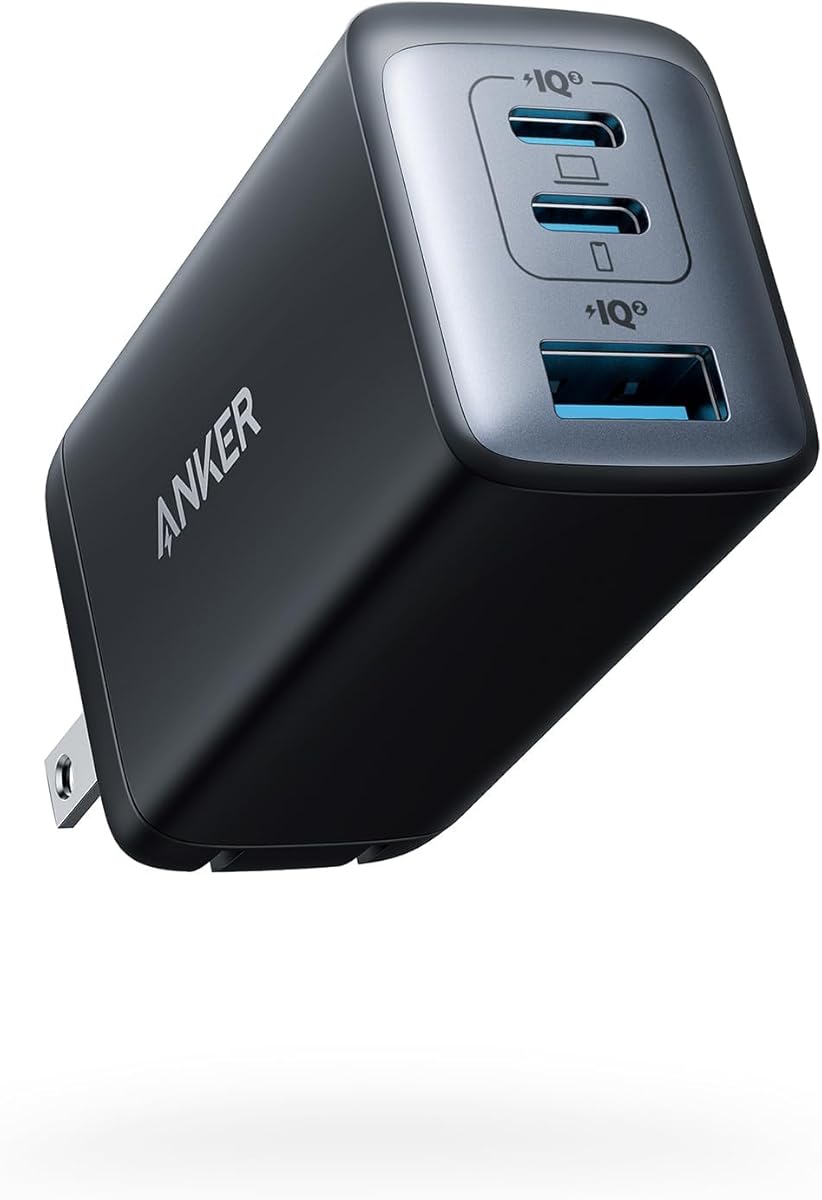
4.8Editor score
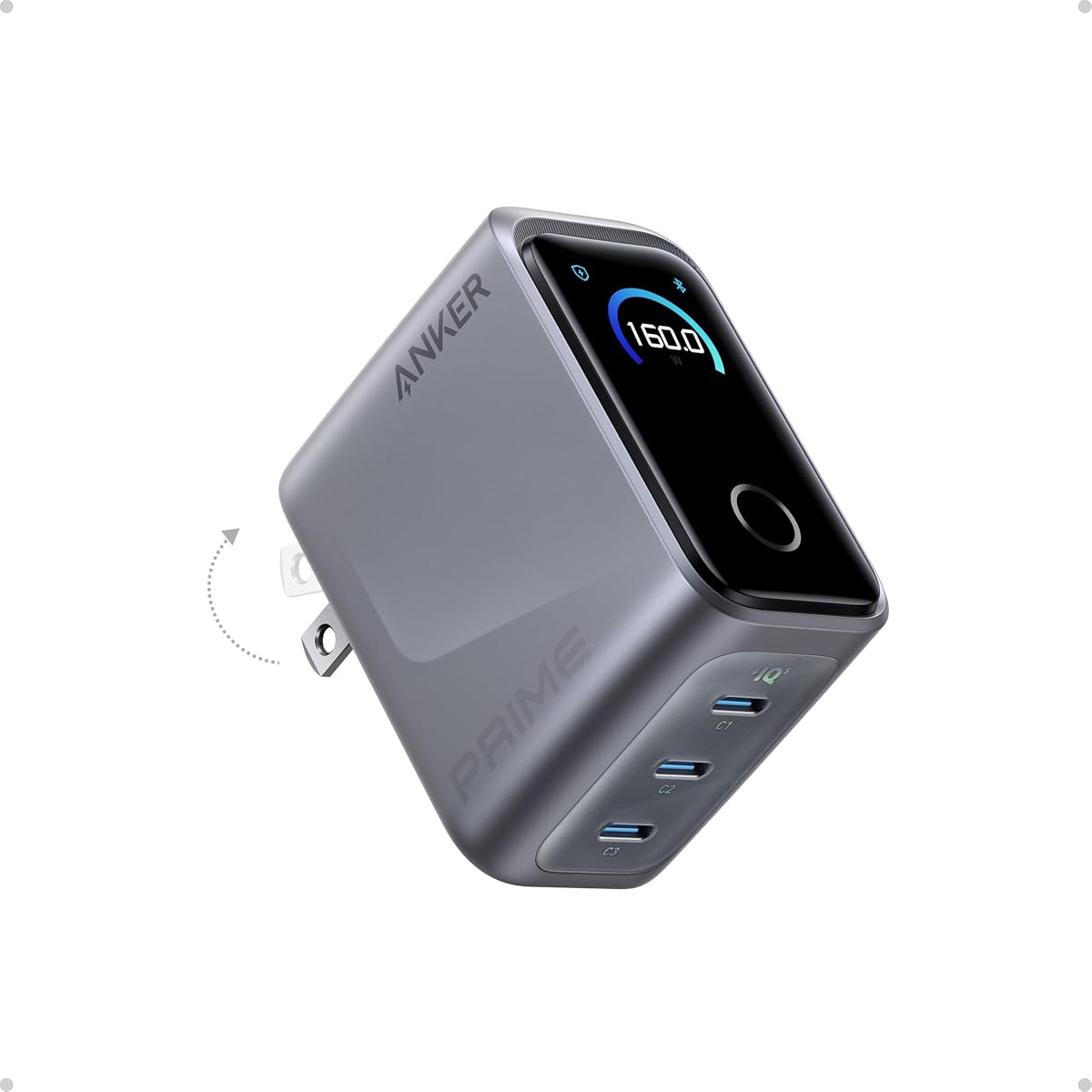
4.7Editor score
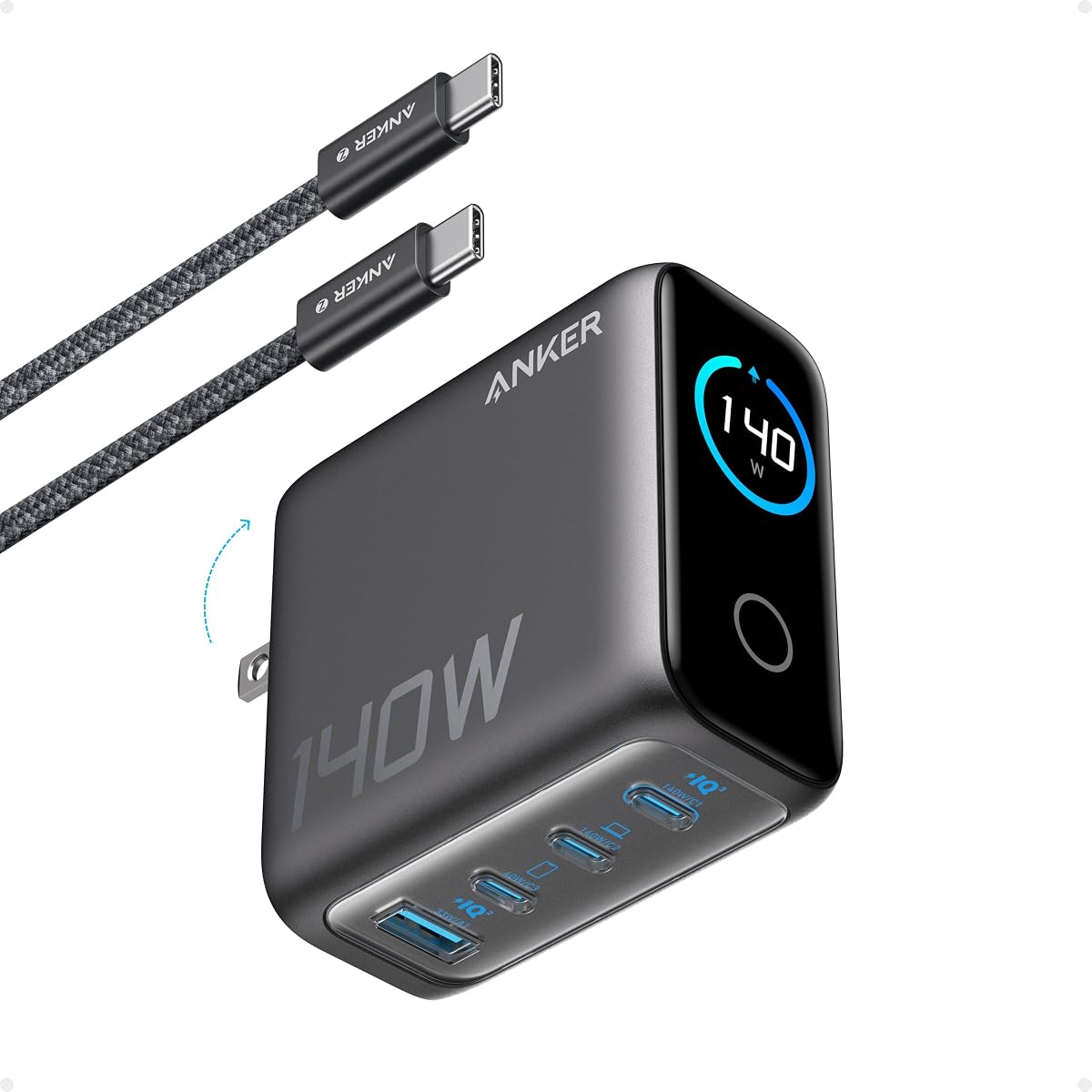
4.6Editor score
Here is a detailed side-by-side comparison of all ten featured models. This table highlights key specifications like power wattage, port counts, and unique features to simplify your decision-making process.




This 2-pack delivers reliable 45W power for daily use. It ranks highest for value offering two chargers plus cables. Its high rating reflects consistent performance across Samsung and USB-C devices.
We may earn a commission when you buy through this link, at no additional cost to you.
The 45W output charges a Samsung S24 Ultra to 50% in 20 minutes. MultiProtect technology ensures safety against high voltage and short circuits. The included cables withstand over 10,000 bends for longevity.
While it lacks GaN tech, the design remains compact enough for travel. The single port limits multi-device charging but suits individuals needing backup power. These trade-offs are acceptable given the price advantage.
Ideal for families or travelers needing spare chargers, this set offers versatility. Whether at home or on the road, you get reliable power without spending extra. It stands out as the smartest budget choice.
The bundle includes two 5 ft USB-C cables. These support up to 100W power and feature high bend resistance.
Comprehensive safety features protect your devices from electrical issues. High-voltage and short-circuit protection ensure secure charging sessions.
We may earn a commission when you buy through this link, at no additional cost to you.
This charger replaces multiple bricks with one compact solution. It ranks highly for its versatile three-port setup. Users praise its ability to charge laptops and phones simultaneously with efficiency.
We may earn a commission when you buy through this link, at no additional cost to you.
Single device charging reaches 65W, enough for a MacBook Pro 13. Three devices share power efficiently via smart distribution. The GaN II tech makes it small yet powerful without overheating.
The main trade-off is reduced speed when all ports are used. However, the convenience of one charger for all devices outweighs this. Its tiny footprint makes it ideal for daily carry.
Perfect for commuters and professionals needing to power multiple gadgets, this model delivers. It simplifies your tech setup while ensuring reliable performance. It is our top recommendation for balance and utility.
GaN II increases operating frequency by 100% and uses a stacked design. This makes the charger smaller without sacrificing power output.
Power is distributed efficiently when three devices are connected. This ensures you get the best charge for each device simultaneously.
We may earn a commission when you buy through this link, at no additional cost to you.
This top-tier charger delivers unmatched power for demanding workflows. It ranks first for raw output and smart features. The display and app control offer a new level of user interaction.
We may earn a commission when you buy through this link, at no additional cost to you.
It provides 140W on a single port for MacBook Pro 16. With smart distribution, it powers three devices like a full workstation. The PowerIQ 5.0 ensures consistent speed during heavy loads.
The high price and lack of included cable may deter some users. Yet for professionals who need maximum speed, it justifies the cost. The design remains compact despite the high wattage.
Best for power users or creative professionals needing fast laptop charging, this model excels. It replaces multiple chargers with one intelligent solution. Its features set a new standard for premium charging.
Monitor power in real time on the screen. Switch modes instantly and unlock custom modes via Bluetooth app.
Smart power distribution handles complex charging needs. It charges a MacBook Pro, iPhone, and iPad simultaneously with optimal efficiency.
We may earn a commission when you buy through this link, at no additional cost to you.
This charger offers true 70W speed for newer laptops. It ranks well for travel due to its small size. The thermal monitoring ensures safe charging even during intense sessions.
We may earn a commission when you buy through this link, at no additional cost to you.
It charges a 14-inch MacBook Pro from 0 to 50% in 35 minutes. ActiveShield 4.0 keeps surface temperatures 10°C lower than benchmarks. The metal frame adds durability and a modern look.
Users note it is smaller than standard 70W units making it easy to carry. The main trade-off is the cost compared to basic models. But the safety and performance justify the investment.
Ideal for users with 2024 MacBook models or needing faster power, this fits. It balances portability and performance effectively. It is a strong contender for daily portable use.
Surface temperatures stay 10°C lower than benchmarks. TÜV Rheinland certification ensures safety during operation.
It is 41% smaller than a standard 70W charger. This allows easy pocket or bag storage while traveling.
We may earn a commission when you buy through this link, at no additional cost to you.
This model stands out with a high-definition smart display. It ranks for its user-friendly interface showing temperature and speed. The Low-Current Mode adds convenience for headphones and wearables.
We may earn a commission when you buy through this link, at no additional cost to you.
Advanced GaN technology ensures steady 100W output on any USB-C port. The display offers instant visibility and control over your charging. It fits in a coat pocket or small bag easily.
The main downside is the premium over standard models. Yet the visual feedback helps optimize power distribution. It is especially useful for tech-savvy users who want data.
Perfect for users needing to track power usage closely, this charger delivers. It combines utility with modern tech features. It is a great choice for a visible and smart charging hub.
Auto-switches to 95W + 5W for low-power devices. This safely charges earbuds without disrupting other devices.
The display shows real-time details on charging status and port performance. This gives you instant visibility over your setup.
We may earn a commission when you buy through this link, at no additional cost to you.
This charger is designed for fast iPhone energy boosts. It ranks well for portability and safety features. The ActiveShield system helps prevent overheating during extended use.
We may earn a commission when you buy through this link, at no additional cost to you.
It delivers quick charging speeds for iPhones and Samsungs. The foldable plug makes it exceptionally lightweight for travel. Universal charging supports a wide range of devices seamlessly.
While not powerful enough for laptops, it excels for phones. Its sleek design combines convenience with style. It is ideal for users prioritizing size and safety.
Best for iPhone users needing a reliable travel companion, this model fits. It is easy to carry and performs consistently. It is a smart choice for daily mobile power.
Provides fast charging with built-in safety features. It helps reduce the risk of electrical hazards.
This pocket-sized charger features a foldable plug for easy storage. It is exceptionally lightweight and stylish.
We may earn a commission when you buy through this link, at no additional cost to you.
This model supports four devices at once. It ranks for its massive power capacity and clarity. The display provides detailed port info for easy management.
We may earn a commission when you buy through this link, at no additional cost to you.
Either USB-C port delivers up to 140W for 15-inch MacBook Airs. The system monitors temperatures over 10 million times daily. This ensures safety during high-load sessions.
The main trade-off is size and weight compared to Nano units. It is also costlier than basic chargers. But for power needs, it offers unmatched versatility.
Perfect for home offices with many devices, this hub works well. It replaces multiple chargers with one reliable unit. It is a robust choice for complex setups.
The display provides a detailed view of charging status. It keeps you fully informed on temperature and port details.
Enjoy powering four devices simultaneously with GaN tech. The dimensions ensure optimal performance without overheating.
We may earn a commission when you buy through this link, at no additional cost to you.
This charger features unique Care Mode for iPhones. It ranks for its smart battery protection and small footprint. The display allows quick status checks with taps.
We may earn a commission when you buy through this link, at no additional cost to you.
It lowers charging temperature by 9°F to extend battery life. Compatible only with iPhone 15 to 17 series and select iPads. The dual foldable prongs make it versatile for travel.
The limited device support is a major constraint. It also lacks a touchscreen for direct interaction. But for supported models, the safety benefits are significant.
Ideal for iPhone users focused on long-term battery health, this is key. It optimizes charging without overheating. It is a specialized tool for Apple device owners.
Automatically recognizes supported iPhone models. Adjusts charging for smarter and safer power delivery.
Tap once for status or double-tap for modes. Rotate the screen by pressing for 2 seconds.
We may earn a commission when you buy through this link, at no additional cost to you.
This charger supports four devices via mixed ports. It ranks for its compact shape and consistent power. The USB-C1 stays at 30W even when others are active.
We may earn a commission when you buy through this link, at no additional cost to you.
Its AirPods-sized frame fits easily into any bag. ActiveShield 4.0 provides 24-hour monitoring for safety. The folded plugs allow flexible storage and use.
The main trade-off is lower total power for heavy laptops. But for phones and tablets, it is sufficient. Its design prioritizes versatility over raw speed.
Best for users with multiple small devices needing a single plug, this works. It combines size with practical functionality. It is a great option for general daily charging.
Enjoy consistent charging for all your gear. Two USB-C and two USB-A ports ensure convenience.
It tucks easily into your bag or pocket. Built-in foldable plugs offer flexible charging.
We may earn a commission when you buy through this link, at no additional cost to you.
This charger prioritizes size without losing power. It ranks for its minimal form factor and speed. The foldable plug enhances its convenience for travel.
We may earn a commission when you buy through this link, at no additional cost to you.
It charges a 2020 MacBook Air in under 2 hours. GaN II tech ensures it is 58% smaller than standard units. It supports Samsung Super Fast Charging at full speed.
The lack of a cable is a small downside to consider. But the performance and size are outstanding. It fits perfectly in tight spaces and pockets.
Ideal for minimalist travelers needing efficient power for laptops, this is best. It delivers 65W in a tiny package. It is a top pick for compact and fast charging.
It is 58% smaller than an original 61W USB-C charger. A foldable plug allows easy storage.
Charge a MacBook Pro 13 at full speed. Supports latest Samsung phones with Super Fast Charging.
We may earn a commission when you buy through this link, at no additional cost to you.
Choosing the right Anker charger requires balancing speed, size, and cost. Consider these essential factors to make an informed decision.
The wattage determines how fast your device charges. Laptops typically need at least 65W to charge at full speed, while phones may only require 25W to 45W. Matching the charger output to your device needs ensures optimal performance and prevents underpowering.
For laptops, choose 65W or higher; for phones, 25W to 45W is sufficient. Higher wattage is more versatile for future devices.
Consider how many devices you need to charge at once. Single-port models are simpler and smaller, whereas multi-port hubs are essential for families or offices. The total wattage often splits across ports, so check if the combined output meets your needs.
Select single ports for personal use or multi-port hubs for shared setups. Verify total power to avoid slow charging when multiple devices are connected.
Gallium Nitride (GaN) technology makes chargers smaller and cooler. Anker uses GaN II for increased efficiency and power density. If you prioritize portability without sacrificing power, look for models explicitly mentioning GaN support.
Prioritize GaN models for compactness and thermal performance. Non-GaN units tend to be bulkier and run hotter under load.
Some models include smart displays showing real-time status or temperature. These features add convenience but increase cost. If you want detailed data and custom control modes, these premium units are ideal. Otherwise, basic models offer solid functionality without extras.
Only choose models with displays if you need live monitoring. Basic units are cost-effective and still perform reliably.
Look for ActiveShield or MultiProtect technologies that monitor temperature. TÜV certifications indicate independent testing for safety. Avoid uncertified chargers as they may damage your devices or cause electrical issues. Anker generally includes robust safety features across all models.
Always ensure the charger has built-in thermal monitoring. Safety certifications protect your devices from overheating or shorts.
Travel frequently? Look for foldable plugs and Nano-sized designs. Smaller units save space in bags and pockets. However, high-wattage units tend to be larger. Balance your need for power with how often you carry the charger with you.
Choose foldable and compact units for travel. Desktop use allows larger models that may offer better airflow.
Some bundles include cables or organizers. If you do not have quality cables, these can add value. Check if a cable is included to avoid extra costs later. Not all models offer accessories, so read the package details carefully.
Verify if a cable is included to save money. Otherwise, purchase a compatible USB-C cable separately.
Anker typically offers an 18-month to 24-month warranty. Premium models with displays cost more than basic 45W blocks. Weigh the features against your budget and expected lifespan. A slightly higher upfront cost may be worth it for long-term use.
Check the warranty duration before purchasing. Invest in premium features only if they fit your specific usage needs.
Ensure you plug the charger into a stable power outlet before connecting your devices. Using unstable sockets or extension cords may cause voltage fluctuations. Always insert the charger fully to secure the connection and avoid loose power transfer.
Keep the charger on a flat surface during use to prevent overheating. Avoid placing it under cushions or near heat sources. If the surface feels hot to touch, disconnect and let it cool down for a few minutes before resuming.
Store the charger with the prongs folded to protect the pins. Wrap cables neatly around the body if they are included. Avoid twisting the wires tightly as it may damage internal conductors. A clean case or pouch helps prevent wear and tear.
No, modern devices regulate power intake automatically. Even if you use a 65W charger with a phone that only accepts 25W, it will only draw what it needs. The USB-C standard ensures compatibility and safety across different devices.
Smaller chargers use GaN technology which allows for more compact circuit designs. Traditional silicon chargers require more space for cooling and components. This difference explains why Nano models are significantly lighter and smaller.
If the charger has multiple USB-C ports, the one with the highest rating label is best for laptops. Check the user manual to see which port maintains full speed. Using lower-rated ports might result in slower charging.
Yes, most iPads support USB-C charging standards. A 45W or 65W charger will charge an iPad efficiently. Just ensure the cable is rated for the wattage to maintain safe and fast charging speeds.
It depends on the model. Some bundles include USB-C to USB-C cables, while others do not. Check the product listing to see what is included. Without a cable, you will need to buy one separately.
It is generally safe but not recommended for energy saving. Leaving it plugged in draws a small amount of power. Unplugging it when not in use reduces energy waste and wear on the internal components.
We reviewed ten top Anker models ranging from 45W to 160W. Each offers unique benefits such as smart displays or compact Nano designs. The best pick depends on your specific needs and budget.
Prioritize wattage for laptops and port counts for multi-device setups. Safety features like ActiveShield should always be a consideration. For most users, the 65W Nano models offer the best balance.
Prices and availability may change over time. Always verify current pricing and stock on the product pages. This guide helps you compare and select the right charger confidently.