
Teltonika RUTM50
4.8Editor score
Industrial-grade durability
RMS remote management support
Gigabit Ethernet ports
This guide compares the top 5G routers with external antenna ports to help you choose the best device for fast internet in rural areas and on the road.
Finding reliable internet in remote locations requires a robust solution that can adapt to changing signal conditions. A 5G router with external antenna ports allows you to connect high-gain antennas for better reception where standard routers fail.
We evaluated ten leading models based on their modem capabilities, Wi-Fi performance, antenna flexibility, and overall network stability. Our analysis focuses on real-world usability for travelers, rural homeowners, and businesses needing consistent connectivity.
Each pick highlights specific strengths like dual-SIM failover or rugged design to help you find the right fit for your needs. Please note that product availability and pricing may change frequently so verify details before purchasing.
4.8Editor score

4.2Editor score

4.3Editor score
The following table provides a side-by-side comparison of all ten selected models highlighting their key specifications to help you quickly identify the device that matches your connectivity requirements.




The GL.iNet GL-X3000 stands out as a top choice for users needing reliable cellular internet in remote or mobile scenarios. With a rating of 4.2, it delivers a robust combination of 5G connectivity and advanced routing features tailored for home and RV use.
We may earn a commission when you buy through this link, at no additional cost to you.
Its standout quality lies in its six detachable antennas and dual-SIM slots which allow for exceptional signal flexibility. The device supports both T-Mobile and AT&T IoT certifications ensuring compatibility with major carriers. Additionally the pre-installed VPN support like OpenVPN and WireGuard secures your traffic effectively.
While the price is higher than entry-level models the reliability and customization options justify the cost. The OpenWrt based firmware allows for extensive plugin use which appeals to tech-savvy users. The setup is straightforward though advanced network configs might need some research to fully utilize.
This router is best for RV travelers or rural users who need guaranteed uptime. If you value network security and the ability to customize your connection paths this device offers a premium solution that keeps you connected even in challenging signal zones.
Dual SIM support ensures you never lose connection even if one carrier signal drops unexpectedly.
Pre-installed VPN clients allow you to encrypt traffic instantly for safe public Wi-Fi access.
We may earn a commission when you buy through this link, at no additional cost to you.
The RM520N AX3000 is built around the powerful Qualcomm SDX62 5G modem promising speeds up to 3.4 Gbps. It is designed for remote locations where wired broadband is unavailable and offers substantial Wi-Fi 6 capabilities to handle high device counts.
We may earn a commission when you buy through this link, at no additional cost to you.
A key strength is its inclusion of nine detachable high-gain antennas which significantly improve signal quality in weak coverage areas. The router also supports a vast array of VPN clients including PPTP and L2TP making it versatile for secure remote access needs.
Despite its strong hardware specs the user rating is slightly lower which might indicate some usability hurdles or inconsistent performance in specific bands. The manual is less detailed than other brands so users may need to rely on community forums for guidance.
This model is suitable for users who prioritize raw speed and antenna flexibility. If you need to connect many devices simultaneously and want the ability to tweak external antenna connections this router offers a potent hardware solution.
Supporting up to 128 simultaneous WiFi connections makes it ideal for busy households or small businesses.
Compatibility with multiple VPN protocols allows secure access to various corporate or private networks.
We may earn a commission when you buy through this link, at no additional cost to you.
The Teltonika RUTM50 holds the highest rating at 4.8 reflecting its exceptional performance in industrial and high-demand settings. It delivers ultra-fast 5G speeds with low latency and is designed to operate reliably in extreme temperatures and environments.
We may earn a commission when you buy through this link, at no additional cost to you.
Its standout quality is the RMS remote management platform which allows you to monitor and configure devices seamlessly from anywhere. The dual SIM failover ensures uninterrupted connectivity by automatically switching between two SIM cards without user intervention.
While it excels in reliability it lacks Wi-Fi 6 which might be a drawback for users needing the latest wireless standards. The high price also limits its appeal to professional users rather than casual home consumers seeking general internet access.
This device is perfect for businesses or industrial sites where network continuity is critical. If you require robust security and remote management capabilities the RUTM50 provides a premium solution that guarantees stability and performance.
RMS platform simplifies network control allowing IT teams to manage devices remotely with ease.
Designed for rugged environments ensuring reliable operation even under harsh physical conditions.
We may earn a commission when you buy through this link, at no additional cost to you.
The Cudy P5 offers an excellent balance of features and affordability making it a top budget choice for 5G connectivity. It supports the Qualcomm X62 modem and provides reliable AX3000 Wi-Fi 6 speeds suitable for most household or remote office needs.
We may earn a commission when you buy through this link, at no additional cost to you.
Its key strengths include the four Gigabit ports and triple failover mechanism which keeps internet alive even if cellular links drop. The four detachable SMA antennas allow you to upgrade for better reception in weak coverage areas without replacing the unit.
While it lacks the antenna count of premium models the value is undeniable for the price point. The Cudy App simplifies setup and management but advanced users might find the mesh capabilities basic compared to larger dedicated systems.
This router is ideal for small businesses or homes needing a budget-friendly 5G solution. If you want solid performance with redundancy features without spending a fortune this device delivers a practical and reliable networking experience.
Ensures you stay online by switching between WAN and cellular backups automatically when needed.
Wall-mount options make it easy to install in retail spaces or offices without taking up desk space.
We may earn a commission when you buy through this link, at no additional cost to you.
The MikroTik Chateau LTE6 is a carrier-certified home access point delivering reliable internet speeds up to 300 Mbps. With five Gigabit ports and a quad-core CPU it ensures smooth performance for multiple devices in crowded home networks.
We may earn a commission when you buy through this link, at no additional cost to you.
Its standout quality lies in its robust design and efficiency in weak signal situations found in rural areas. While it lacks 5G support the CAT6 LTE modem provides solid speeds for most general use cases and is compatible with major providers.
The lack of 5G modem technology might be a drawback for those needing maximum speed potential in the future. Additionally the Wi-Fi standards are older which may limit wireless throughput compared to newer AX models available in the market.
This router is suitable for users who prioritize wired connectivity and reliability over cutting-edge wireless speeds. If you need a stable home network with plenty of ports this device offers a tasteful and functional solution.
Five Gigabit ports allow you to connect many wired devices without needing a separate switch.
Designed to handle crowded environments ensuring consistent speeds even when many devices are connected.
We may earn a commission when you buy through this link, at no additional cost to you.
The Mikrotik NetBox 5 ax is a Wi-Fi 6 upgrade of the popular NetBox 5 offering AP and CPE functionality for versatile deployments. It is designed with a durable outdoor enclosure and PoE support making it ideal for external network installations.
We may earn a commission when you buy through this link, at no additional cost to you.
Its key strengths include modern Wi-Fi 6 wireless performance and the ability to operate as a point-to-point link for extending range. The modern dual-core ARM CPU ensures efficient handling of data traffic in demanding outdoor environments.
The connectorized ports might require specific adapters which could complicate setup for non-technical users. Additionally its design is primarily for outdoor use which may limit its appeal for indoor home networking without mounting brackets.
This device is best for users needing to extend networks outdoors or create point-to-point links. If you require a rugged Wi-Fi 6 solution that handles weather and distance well this router is a solid technical choice.
Built to withstand weather elements ensuring reliable performance in exposed outdoor environments.
Supports long-range wireless links to connect separate buildings or remote sites efficiently.
We may earn a commission when you buy through this link, at no additional cost to you.
The MikroTik LHG XL 5 ax holds a perfect 5.0 rating reflecting its reliability for extreme long-range wireless connections. With a high-gain 27 dBi antenna it is designed for rural and remote deployments that require links up to 30 km.
We may earn a commission when you buy through this link, at no additional cost to you.
Its standout quality is the integrated grid antenna which optimizes stability and interference resistance for long-distance links. The outdoor IP54 design ensures it withstands harsh environments while the passive PoE support simplifies power delivery for remote setups.
This device is specialized for point-to-point links rather than general home internet access so it may not suit casual users. It requires clear line of sight and proper alignment to function which adds complexity compared to standard routers.
Ideal for rural internet service providers or large properties needing to bridge distances. If you need to extend a network over several kilometers this solution provides unmatched range and stability in the market.
Capable of reaching up to 30km making it perfect for connecting distant remote properties.
IP54 rating ensures protection against dust and water enabling reliable outdoor operation.
We may earn a commission when you buy through this link, at no additional cost to you.
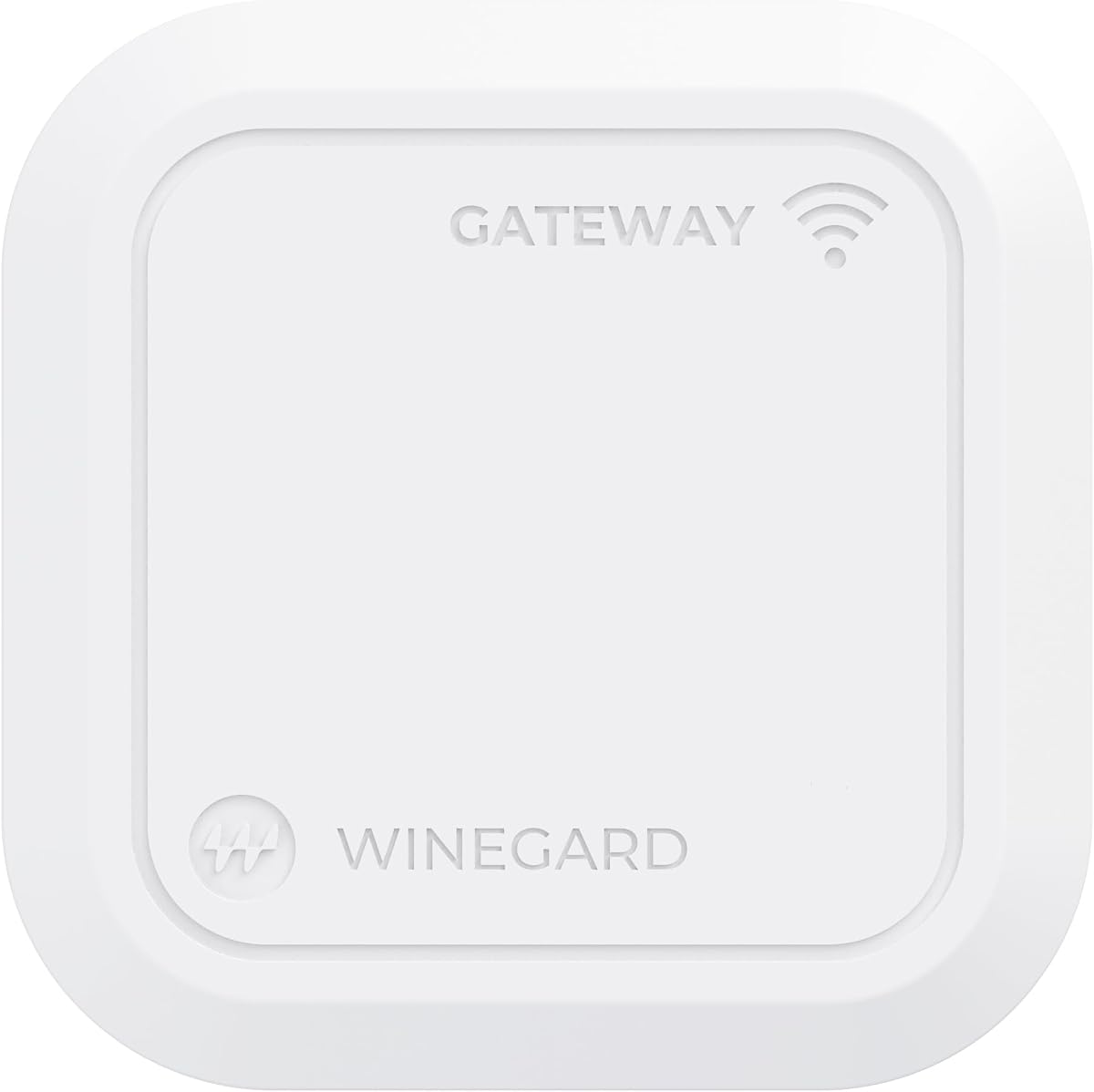
The Winegard Gateway 5G is designed specifically for RVs offering ultra-fast cellular backhaul via the Air 360+ system. It supports multiple carriers including T-Mobile and Verizon ensuring flexible data options while you are on the move.
We may earn a commission when you buy through this link, at no additional cost to you.
Its key strengths include direct integration with Winegard dome antennas and the ability to add Ethernet WAN for Starlink connections. This allows you to create a hybrid internet connection that combines cellular and satellite data for maximum reliability.
Despite its specialized features it holds the lowest user rating which may indicate performance inconsistencies or compatibility issues. Users must own specific Winegard hardware to utilize its features which limits flexibility compared to universal routers.
This router is perfect for RV owners invested in the Winegard ecosystem. If you need a ceiling-mounted solution that works seamlessly with 360+ antennas this device simplifies your onboard connectivity.
Designed specifically to work with Winegard Air 360+ dome systems for easy setup in motorhomes.
Supports Ethernet WAN to combine cellular data with Starlink for uninterrupted service.
We may earn a commission when you buy through this link, at no additional cost to you.
The GL.iNet GL-E5800 is a powerhouse travel router featuring Tri-Band Wi-Fi 7 and a built-in eSIM for seamless connectivity. It is powered by the Qualcomm X72 modem offering speeds up to 4.67 Gbps and supporting up to 64 devices.
We may earn a commission when you buy through this link, at no additional cost to you.
Its standout qualities include the built-in battery for 13.5 hours of freedom and a 2.5G Ethernet port for wired backhaul. The touchscreen allows quick SIM switching and VPN toggling making it user-friendly for business travelers and content creators.
The high price might limit its appeal for home use but it offers unmatched portability and speed. While Wi-Fi 7 is new it may be overkill for basic tasks but essential for 4K streaming or high-bandwidth mobile work.
This device is best for professionals who need top-tier speeds without cables. If you want a secure fast and portable network hub with battery backup this is the ultimate travel router available.
Built-in battery allows hours of untethered internet access away from power outlets.
Next-gen wireless tech ensures ultra-low latency and high speeds for demanding devices.
We may earn a commission when you buy through this link, at no additional cost to you.
The Waveform QuadMini is not a router but a specialized 4×4 MIMO antenna kit designed to boost 5G data rates on compatible routers. It offers up to 5.2 dBi gain with an ultra-thin profile to improve cell signal significantly.
We may earn a commission when you buy through this link, at no additional cost to you.
Its standout feature is the omni-directional design which requires no aiming making installation simple and effective. The kit includes window entry cables and weatherproofing boots ensuring a complete and professional looking setup for your home or RV.
While it does not provide internet itself it solves the signal weakness issue common with many routers in weak zones. The expert support and detailed manuals ensure you can install it correctly to maximize your router's potential.
This accessory is ideal for any 5G router user struggling with weak reception. If you have a router with four antenna ports and need better signal stability this antenna is a practical and effective upgrade.
MIMO isolation and polarization make a huge difference in data rates and reliability.
Includes all necessary cables and boots so you can install it immediately without extra parts.
We may earn a commission when you buy through this link, at no additional cost to you.
Choosing the right 5G router involves understanding your specific connectivity needs and the capabilities of available models.
Ensure the router has the correct number and type of ports for your external antennas. Most models use SMA connectors which are standard for high-gain options.
Check that the router supports MIMO isolation to take full advantage of multiple external antennas.
Look for routers with Qualcomm SDX62 or similar modems that support both NSA and SA 5G standards for maximum speed potential.
Verify that the modem is certified by major carriers to avoid connectivity issues with your specific plan.
Dual SIM slots provide essential redundancy allowing you to switch between carriers for better signal reliability.
Prioritize models with automatic failover so your internet stays active without manual intervention during signal drops.
Newer Wi-Fi 6 or Wi-Fi 7 standards support more devices and higher throughput which is critical for streaming and gaming.
If you have many smart devices ensure the router supports at least Wi-Fi 6 for efficient bandwidth management.
Pre-installed OpenVPN and WireGuard support helps secure your data especially when using public networks or hotspots.
Choose a router with firewall protection and DNS encryption options to safeguard your home or business traffic.
Consider wall-mountable or ceiling-mountable designs to place the router optimally for signal reception and space efficiency.
Outdoor routers should have weatherproof ratings like IP54 to withstand rain or extreme temperatures reliably.
Business users benefit from RMS or cloud management platforms allowing configuration and monitoring without physical access.
Look for mobile apps that offer simple setup options for ease of use if you are not a technical expert.
Ensure there are enough Gigabit ports for your wired devices like desktops or smart TVs to avoid needing extra switches.
Higher-end models may offer 2.5G ports for faster backhaul connections which can improve total network throughput.
Install the router in a central location with minimal physical obstructions to optimize signal reception and Wi-Fi coverage.
Connect external antennas securely to the designated ports and align them towards the strongest signal direction for best results.
Regularly update the firmware to ensure compatibility with carrier networks and to benefit from the latest security patches.
Not all 5G routers have external antenna ports. Many consumer models use internal antennas but business and industrial grade routers often include SMA connectors for external options. Always check the specifications for antenna port compatibility before purchasing.
External antennas typically require coaxial cables with SMA connectors. Ensure you have the correct length and quality cables to prevent signal loss. Kits often include these cables but verify compatibility with your router's ports.
Yes external antennas can be used for both indoor and outdoor setups but outdoor ones must be weatherproof. Outdoor antennas usually require cable routing through a wall or window which should be sealed to prevent water damage.
A better antenna improves signal strength which can increase speeds but depends on network congestion and distance from cell towers. It is a key factor but not the only determinant of your overall internet performance.
Dual SIM routers are worth the investment for users needing high reliability. They allow automatic switching between carriers ensuring continuous internet access if one network drops. This redundancy is essential for business or remote work scenarios.
Connect the antenna cables to the SMA ports on the router and ensure they are tightened securely. Align the antennas towards the direction of the nearest cell tower for optimal signal. Use a signal strength app to fine-tune positioning.
Firmware updates can improve performance but cannot add physical external antenna ports if your router lacks them. Ensure the hardware supports external connections before attempting any configuration changes for antenna use.
Most external antennas are designed for cellular signals and may not improve Wi-Fi 7 band performance directly. Check router manuals to confirm if your specific external antenna options support cellular and Wi-Fi bands separately.
Choosing a 5G router with external antenna ports ensures you have the flexibility to optimize your connection for any environment whether at home or on the road.
Prioritize models with dual SIM failover and strong antenna support to maintain reliable speeds even in challenging signal zones.
Always verify the current availability and features before purchasing to ensure you select the best router for your specific needs.